8 Commissioning
17
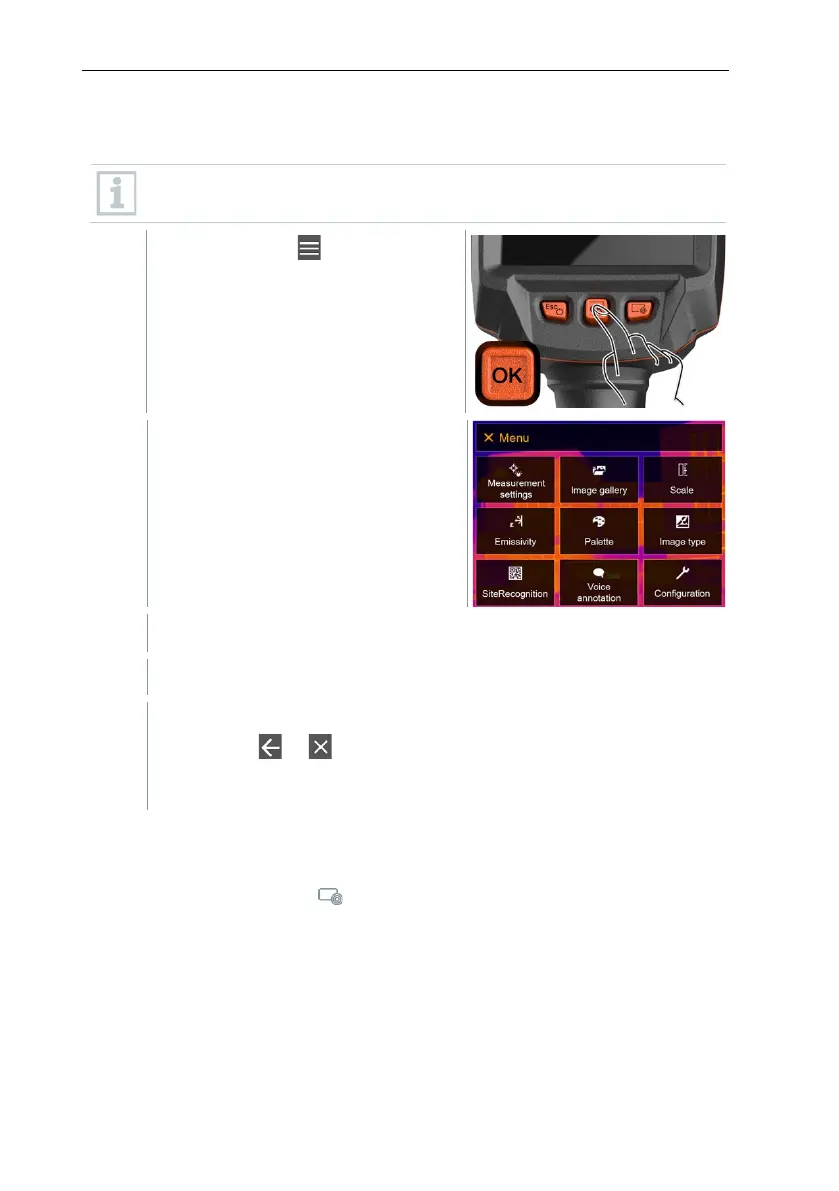
8.5 Getting to know the menu
testo 883 can also be operated via the monitor’s touchscreen feature.
Press OK or tap to open the
menu.
Menu opens.
Select the submenu (joystick or touchscreen).
Submenu opens.
To exit the submenu again:
o Tap or or
o Move the joystick to the left or move the joystick to the menu
8.6 Quick select button
The quick select button is another navigation option that allows you to access
certain functions by pressing or tapping the icon of the quick select button on
the screen.



 To Next Page