9 WLAN connection – using the App
23
9 WLAN connection – using the App
^
9.1 Activating/disabling the connection
To connect via WLAN, you need a tablet or smartphone with the testo
Thermography App already installed on it.
You can get the App from the App Store for iOS devices or from the
Play Store for Android devices.
Compatibility:
Requires iOS 8.3 or later / Android 4.3 or later.
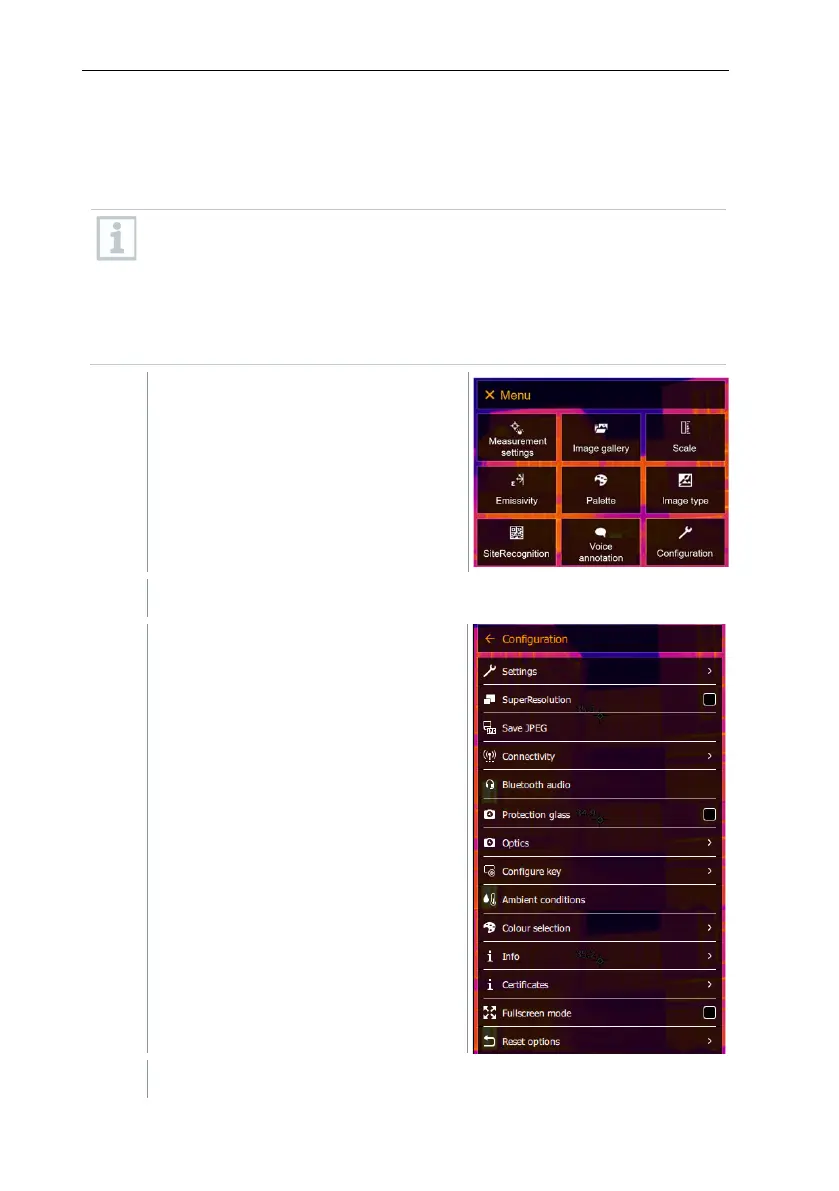
Select Configuration (joystick or touchscreen).
Configuration opens.
Select Connectivity (joystick or touchscreen).



 To Next Page