11 Performing the measurement
66
Protective glass is enabled (
) or
disabled.
Using the protective glass protects the optics from environmental
influences such as dust, scratches, etc. When the protective glass is
used, there may be slight variations in the displayed temperature.
11.10.6 Lens
All lenses that can be used with the testo 883 are displayed with a
serial number for identification.
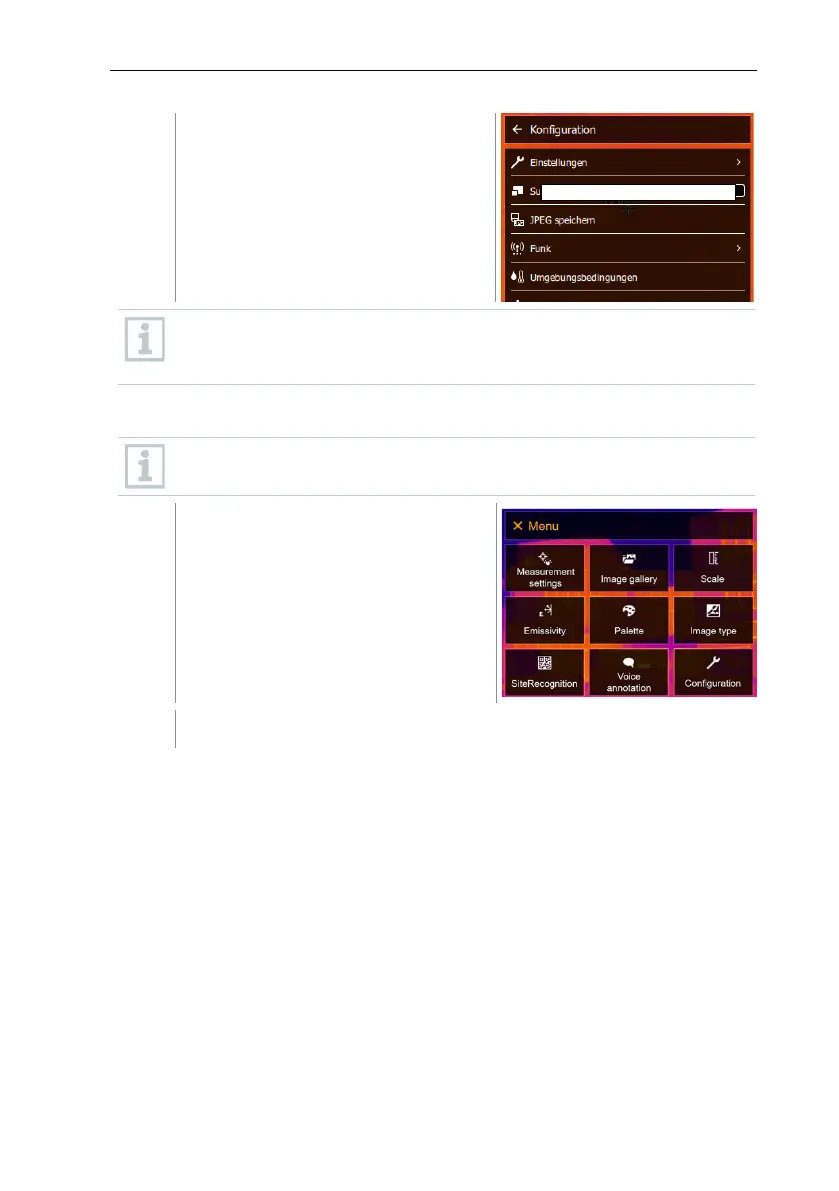
Select Configuration (joystick or touchscreen).



 To Next Page