8 Commissioning
16
8.4 Switching the instrument on and off
Switching on the camera
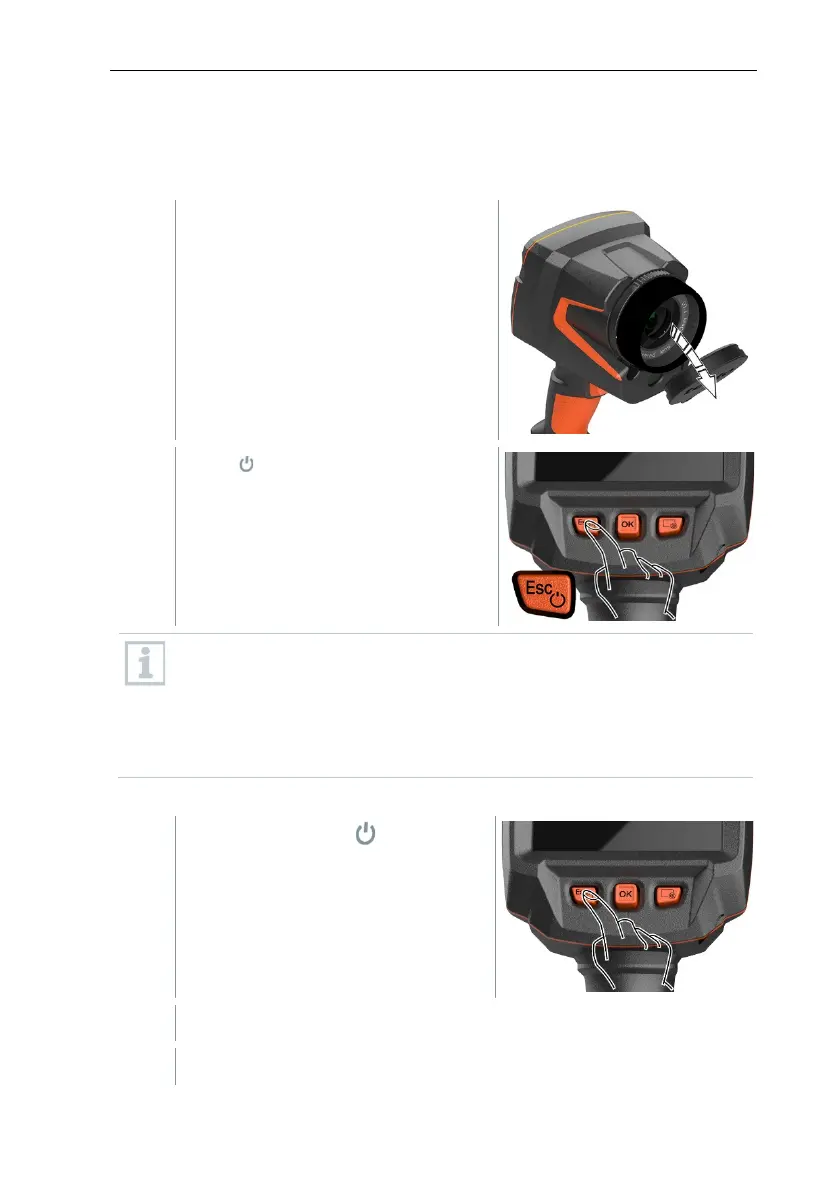
Remove protective cap from the lens.
Press .
The camera starts.
The start screen appears on the
display.
To ensure measuring accuracy, the camera performs automatic zeroing
approx. every 60 s. A “click” is heard when this happens. The image
freezes briefly when this occurs. Zeroing is carried out more frequently
during the camera warm-up period (takes approx. 90 seconds).
During the warm-up period no measuring accuracy is guaranteed. The
image can already be used for indication purposes and saved.
Switching off the camera
Press and hold down until the
progress bar on the display is
complete.
The display goes off.
The camera is switched off.



 To Next Page