11 Performing the measurement
43
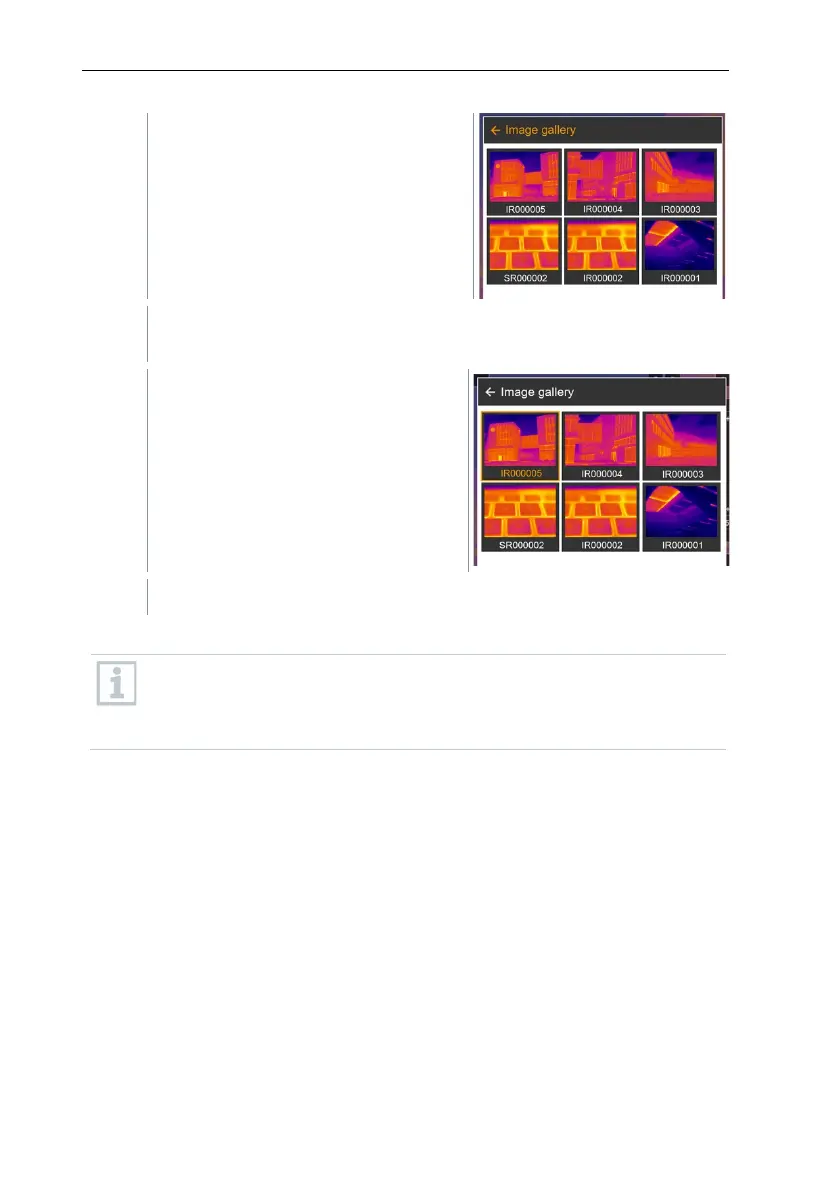
Image gallery opens.
All saved images are displayed in the form of an infrared image
preview.
Select image (joystick or
touchscreen).
The image is displayed.
Analyzing an image
If an image is saved with SuperResolution, the image gallery contains
an (IR) image and a high-resolution image (SR). The images show the
same image section. They can be displayed and analyzed in the image
gallery.
Analyze stored images using the measurement functions Single point
measurement, Hotspot, Coldspot, Additional measurement points,
Differential temperature, Isotherm and Alarm.
For a description of the individual functions, please read the information in the
relevant sections.



 To Next Page