10 Bluetooth® connection
28
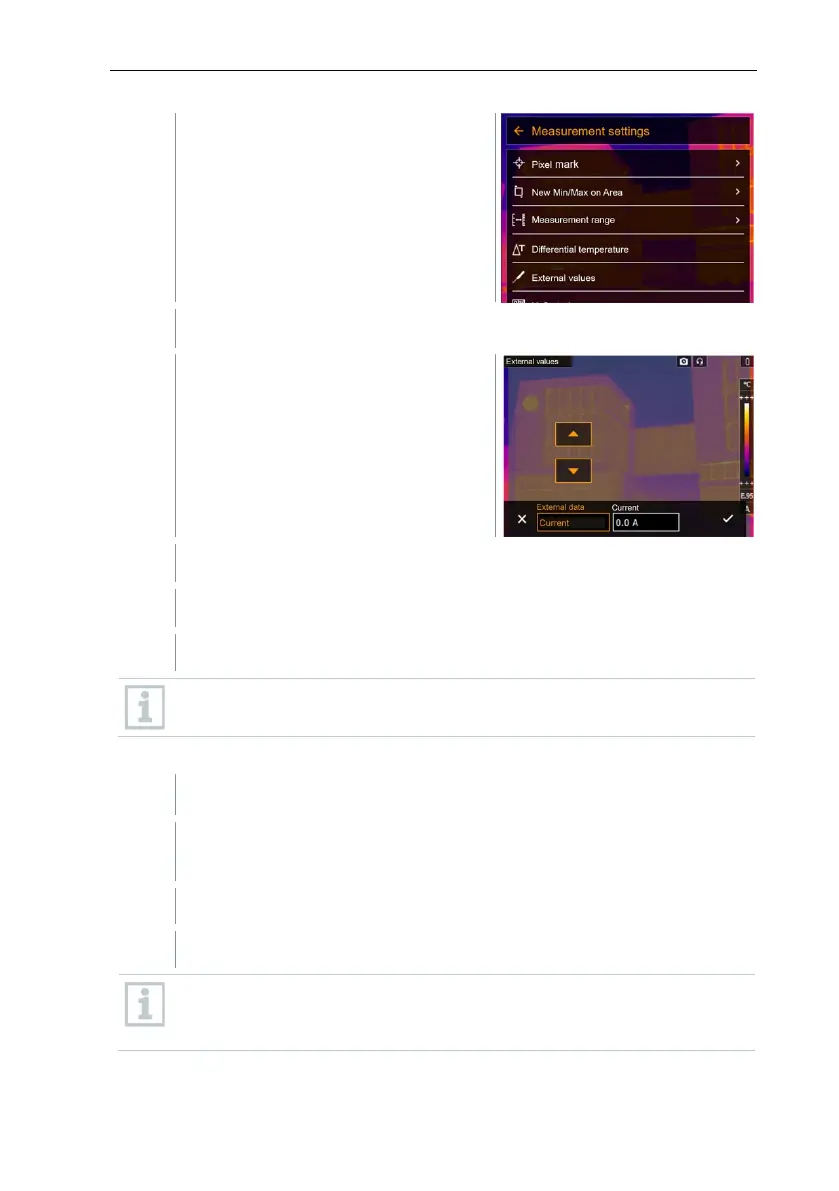
Measurement settings opens.
Select External values (joystick or touchscreen).
External values opens.
Select the required size (joystick or touchscreen).
Confirm selection with or exit the menu with X.
Clamp meter readings are displayed in the header.
Readings are only transferred if the current, voltage or power is set on
the clamp meter.
When connected to the humidity probe
Bluetooth® connection is enabled.
In the Measurement -> External values menu, the Humidity
measurement function is selected.
The thermal imager switches automatically to humidity measurement.
Humidity probe readings are displayed in the header.
If a WLAN connection is enabled in addition, the Bluetooth data transfer
is continued. However, it is not possible to establish a new connection
to a humidity probe.



 To Next Page