11 Performing the measurement
58
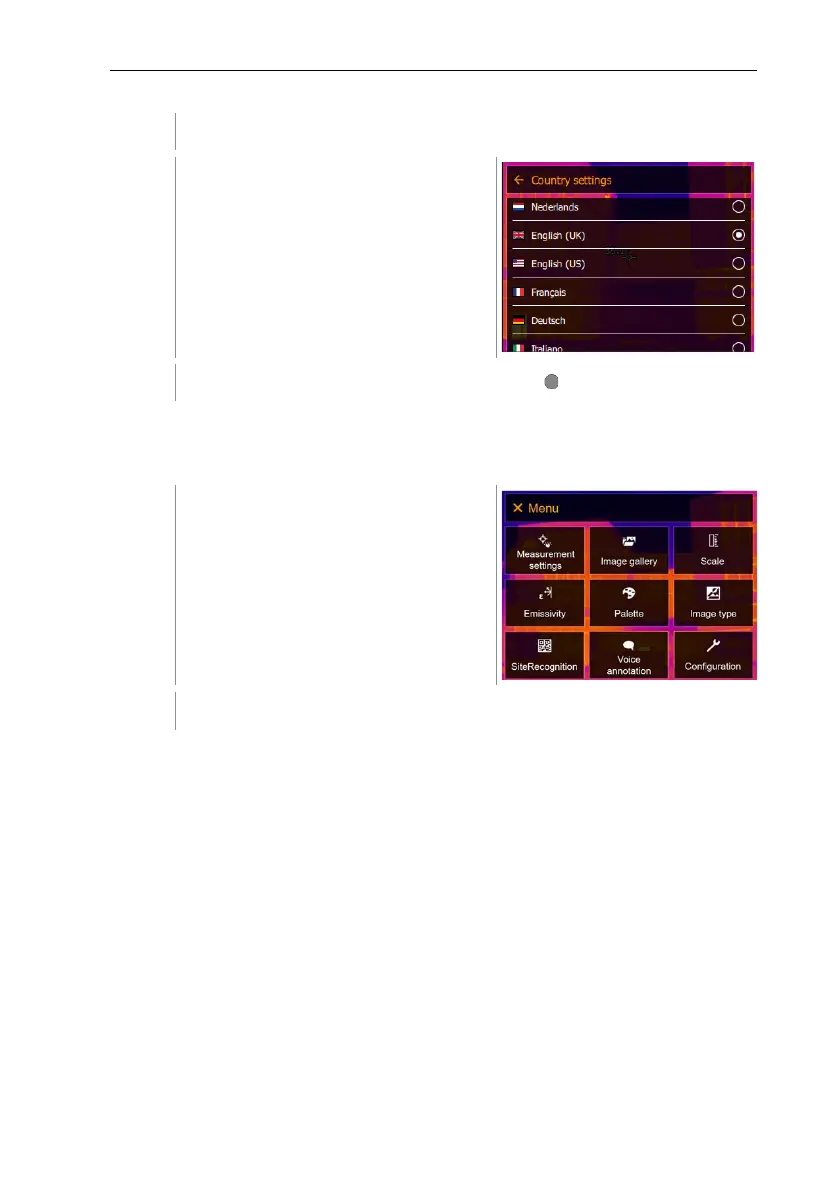
[Country settings] opens.
Select the required language (joystick
or touchscreen).
The activated language is marked with a dot ( ).
Set time/date
Time and date can be set. The time and date format are set automatically based
on the selected user interface language.
Select Configuration (joystick or touchscreen).



 To Next Page