11 Performing the measurement
61
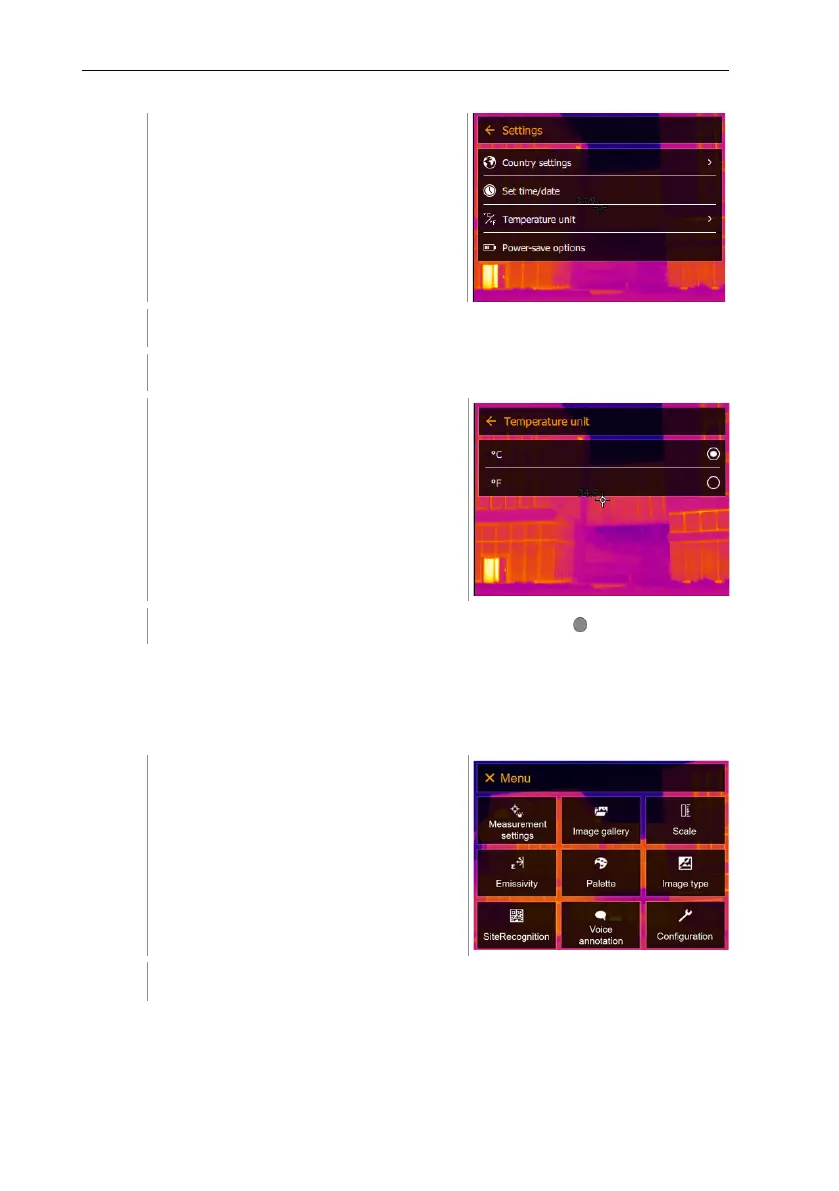
Settings opens.
Select [Temperature unit] (joystick or touchscreen).
[Temperature unit] opens.
Set the temperature unit (joystick or
touchscreen).
The activated temperature unit is marked with a dot ( ).
Power-save options
The illumination intensity of the display can be set. A lower intensity increases
the battery life.
The time until automatic switch-off can be set between 5 min and 300 min.
Select Configuration (joystick or touchscreen).



 To Next Page