7 Using the product
82
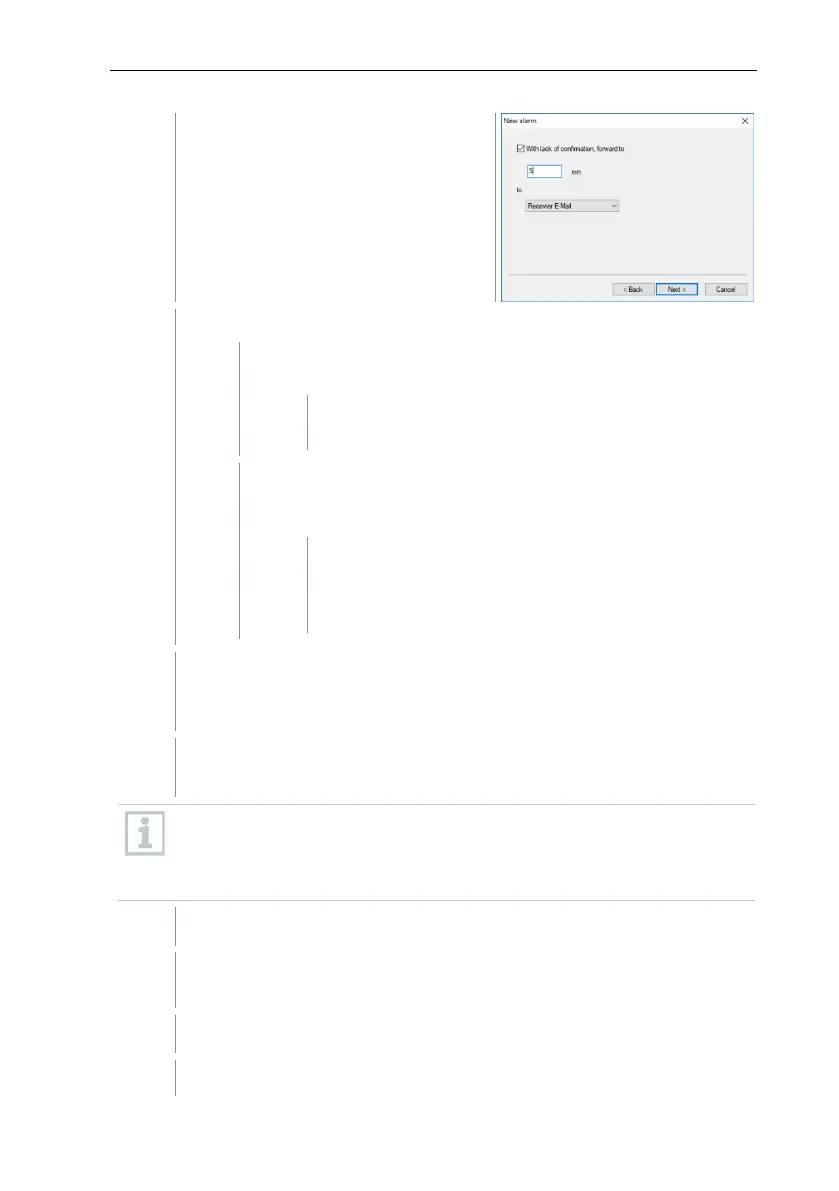
The dialogue for the forwarding
function or for finishing the alarm rule
is shown.
click on [Finish], when the alarm message does not need to be
forwarded if the alarm is not acknowledged
The wizard is ended and the new rule is included in the
list of alarm messages.
Or on the With lack of acknowledgement, forward to
checkbox if the alarm message needs to be forwarded to
another recipient.
The min input field for specifying the time period after
which the alarm message needs to be forwarded and
the selection list for determining the next recipient is
displayed.
In the min field, enter the time period after which the alarm message
needs to be forwarded. (Time between the alarm being sent to recipient
2 and it being forwarded to recipient 3).
In the to selection list, specify the recipient who is to receive the alarm
message.
The output targets (SMS or email) for recipient 2 and recipient 3 must
not be different. For all recipients in an alarm chain, the same output
target (all SMS or all email) must be set, otherwise the alarm chain will
be interrupted.
The wizard is ended and the new rule is included in the list of alarm
messages.
Exit "Alarm management" menu.
Alarm settings are transferred to the instruments.







 To Next Page