7 Using the product
83
7.2.6.6 Alarm overview
In the alarm overview you will find a list of the groups with their specific alarm
settings.
Click on Alarm management in the navigation area.
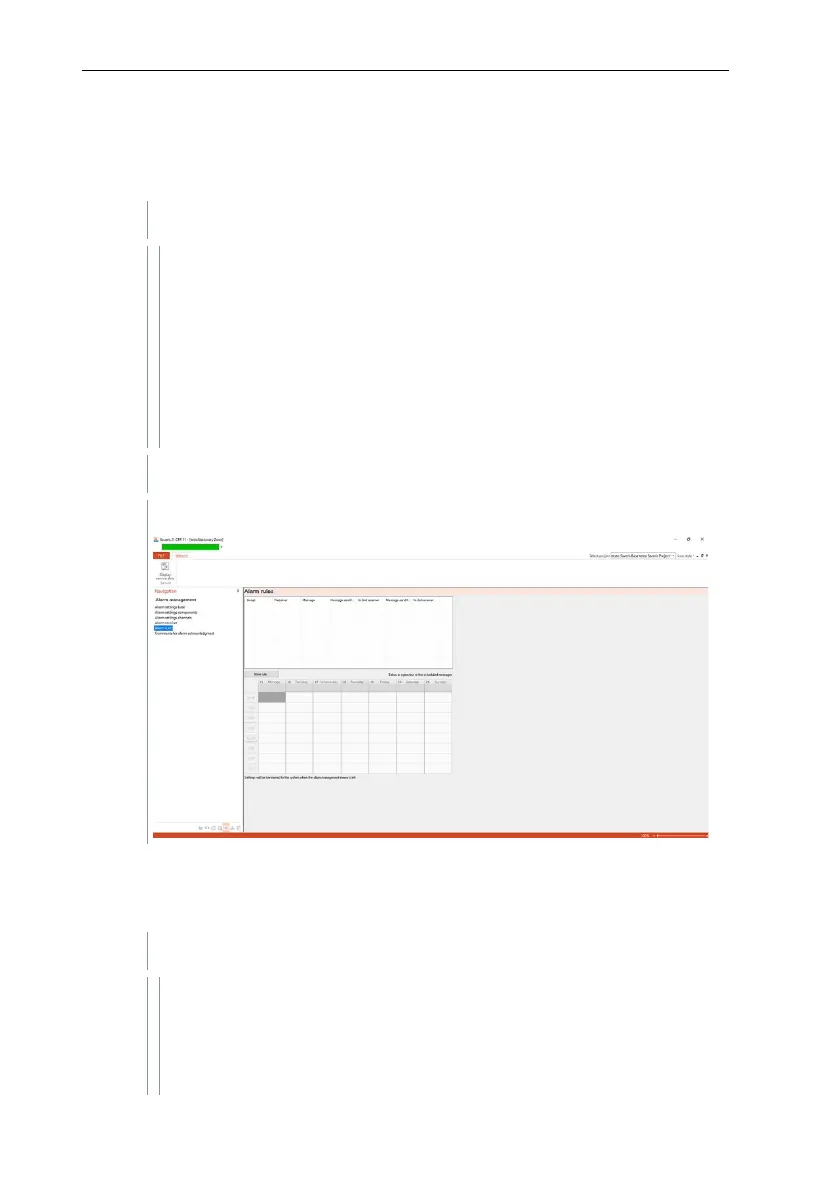
The following submenus are displayed in the data area:
• Alarm settings base
• Alarm settings component
• Alarm settings channel
• Alarm recipients
• Alarm rules
• Comments for acknowledging alarms
The defined alarms are shown in the display area.
7.2.6.7 Comments for acknowledging alarms
You can create standardized acknowledgement comments, which are displayed
in the acknowledgement window as a selection list.
Click on Alarm management in the navigation area.
The following submenus are displayed in the data area:
• Alarm settings base
• Alarm settings component
• Alarm settings channel







 To Next Page