7 Using the product
88
7.3.2.4 Displaying tours
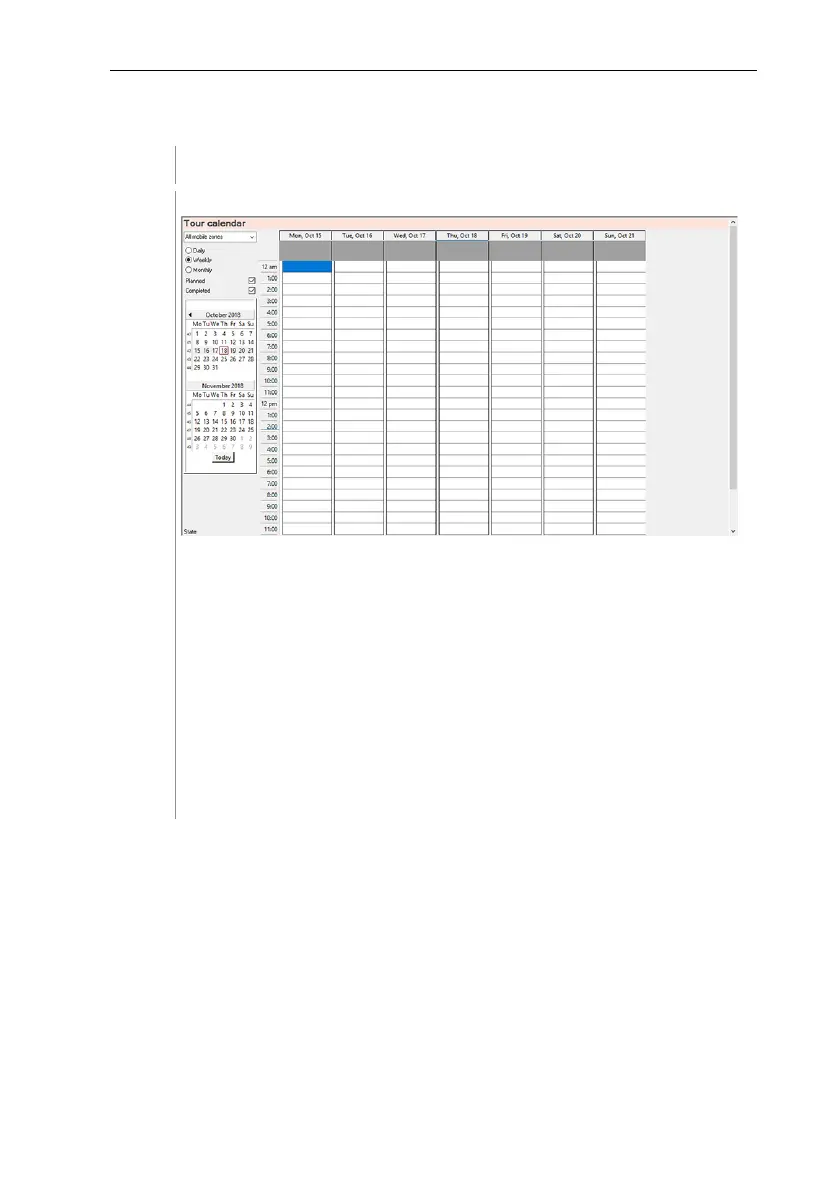
In the navigation area, click on Tour management.
• Selection of the displayed mobile zone
• Adjustable filter options
• Calendar view
• Overview of the tours that have taken place and status of data
transfer to the Saveris base:
o Green: Data transfer complete
o Yellow: Data transfer in progress
o Red: Data transfer failed
• Planned tours are shown in white
• Tours that have taken place are shown in orange. Tour data can be
displayed via the context menu in the Tours navigation area.







 To Next Page