7 Using the product
67
7.2.6.1 Setting up Saveris base alarms
No configuration changes are transferred to the probe/base until you
have exited the Alarm management menu!
You should therefore exit the Alarm management menu after any
changes.
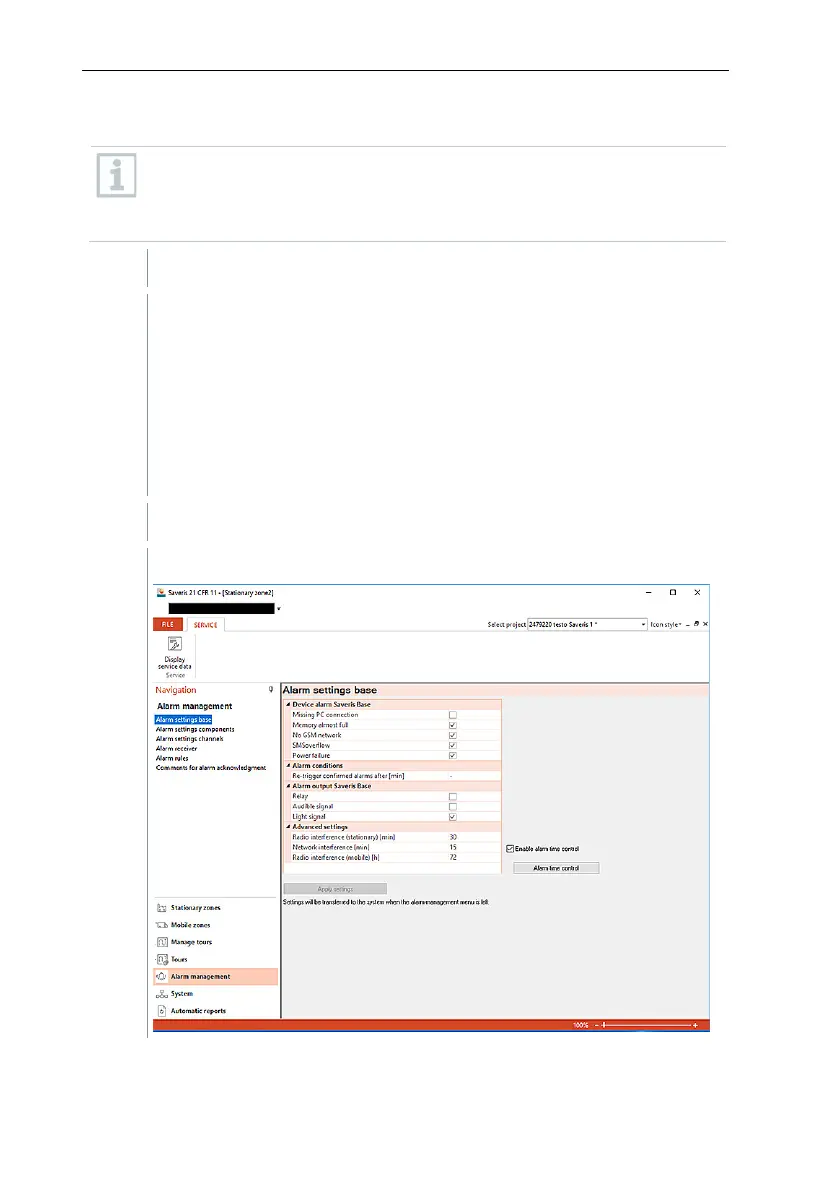
Click on Alarm management in the navigation area.
The following submenus are displayed in the data area:
• Alarm settings base
• Alarm settings component
• Alarm settings channel
• Alarm recipients
• Alarm rules
• Comments for acknowledging alarms
Click on Alarm settings base.
The alarm settings for the base are shown in the display area.







 To Next Page