178 Appendix A: Functions and Instructions
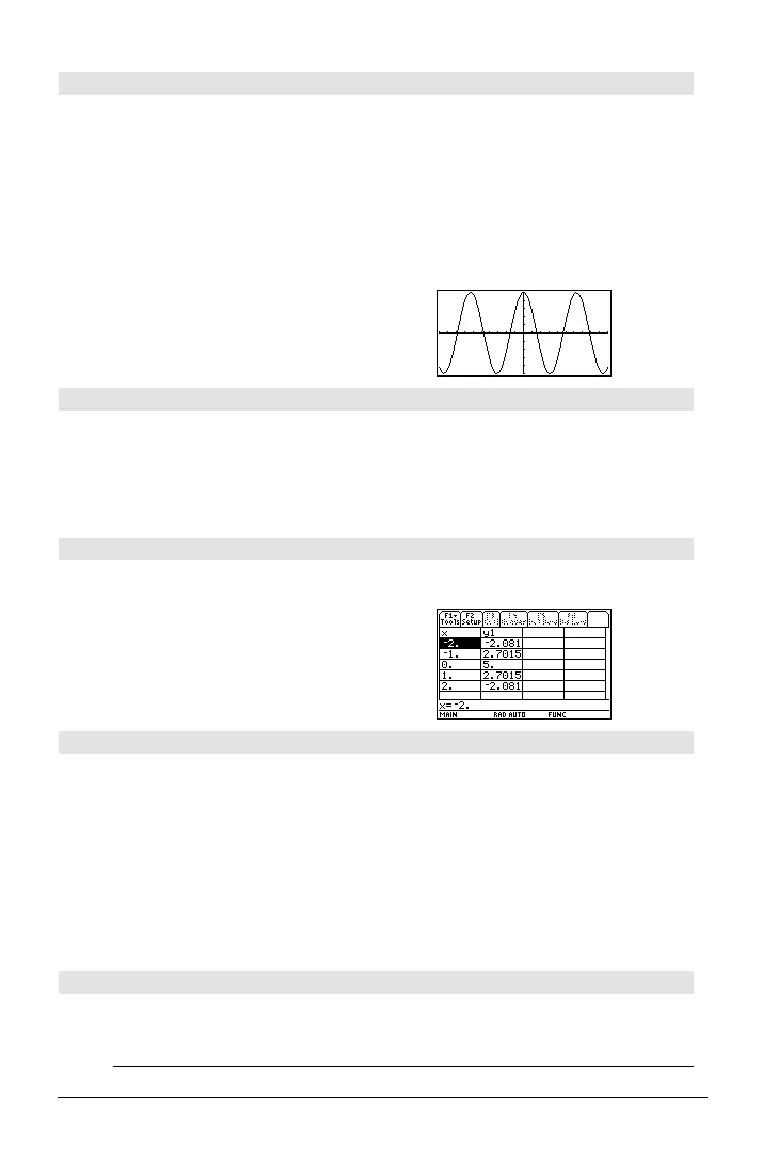
DispG CATALOG
DispG
Displays the current contents of the Graph screen.
In function graphing mode:
Program segment:
©
:5ù cos(x)! y1(x)
:ë 10! xmin
:10! xmax
:ë 5! ymin
:5! ymax
:DispG
©
DispHome CATALOG
DispHome
Displays the current contents of the Home screen.
Program segment:
©
:Disp "The result is: ",xx
:Pause "Press Enter to quit"
:DispHome
:EndPrgm
DispTbl CATALOG
DispTbl
Displays the current contents of the Table screen.
Note: The cursor pad is active for scrolling. Press
N or ¸ to resume execution if in a
program.
5ù cos(x)! y1(x) ¸
DispTbl
¸
4DMS MATH/Angle menu
expression
4DMS
list
4DMS
matrix
4DMS
Interprets the argument as an angle and displays
the equivalent
DMS (
DDDDDD
¡
MM
¢
SS.ss
£) number.
See ¡, ', " on page 275 for DMS (degree, minutes,
seconds) format.
Note:
4DMS will convert from radians to degrees
when used in radian mode. If the input is
followed by a degree symbol ( ¡ ), no conversion
will occur. You can use
4DMS only at the end of
an entry line.
In Degree angle mode:
45.371 4DMS ¸ 45ó 22'15.6"
{45.371,60} 4DMS
¸
{45ó 22'15.6" 60ó }
dotP() MATH/Matrix/Vector ops menu
dotP(
list1
,
list2
) ⇒
expression
Returns the “dot” product of two lists.
dotP({a,b,c},{d,e,f}) ¸
aø d
+ bø e + cø f
dotP({1,2},{5,6})
¸ 17


 To Next Page
 Loading...













