NBC™ Flat Belt - IOM
P/N: 1118140 Rev: 07/29/2020 Page 58 of 129
1.31: SETTING LOGIC MODULES
After mechanical and electrical installation is complete and there is air to the system, the logic
modules may need to be reset.
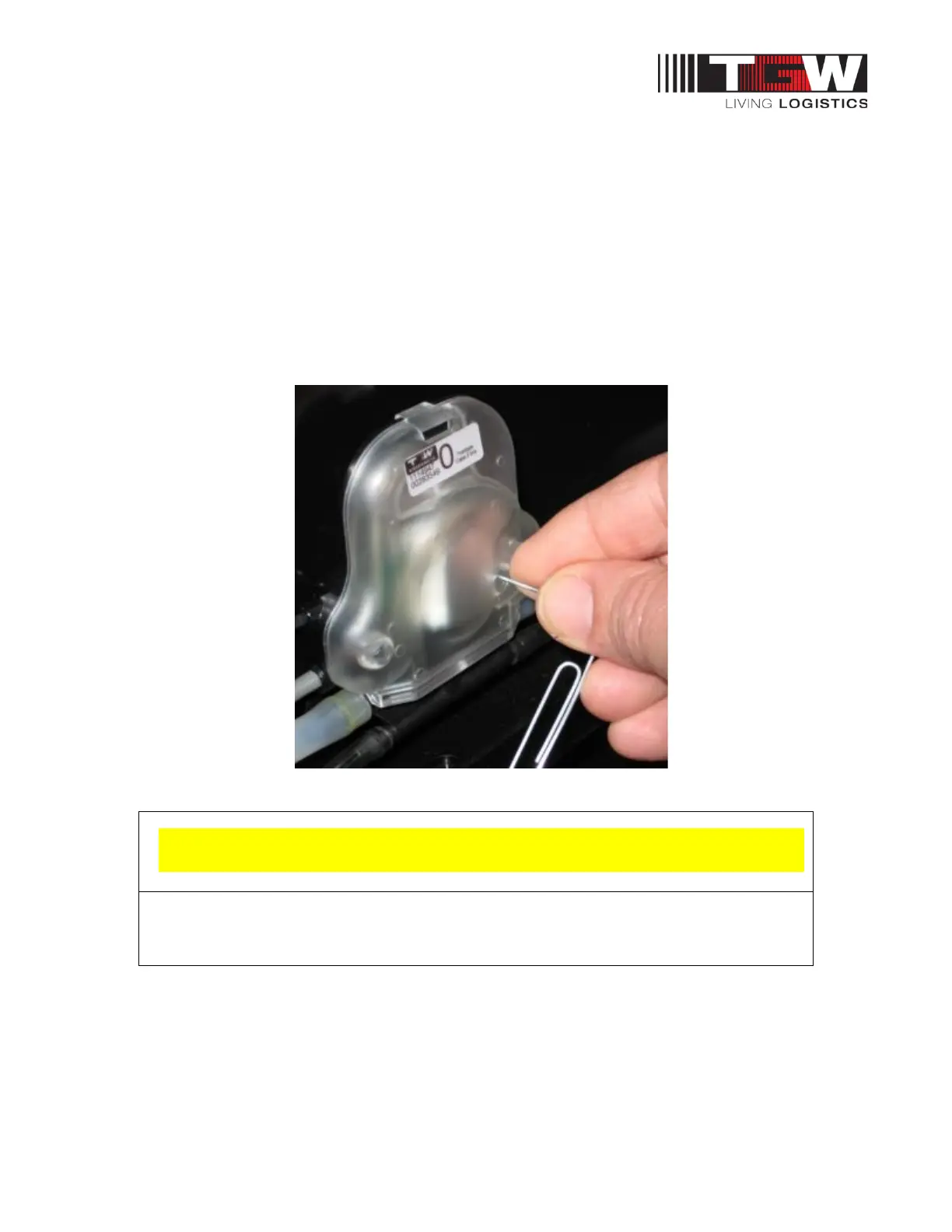
All logic modules are factory set in the basic mode indicated by the green light. This logic mode may
be adequate for your conveyor system. However, if higher product throughput is required, some of the
basic modules can be switched to progressive is indicated by amber light.
Never switch all the logic modules to progressive. For maximum product throughput, a pattern of 4
progressive modules and 1 basic module should be followed. See Index heading “Basic and
Progressive Logic” for additional explanation.
Switching logic modes with paper clip
Excessing the 4 to 1 logic rule will cause damage to the belt and void warranty



 To Next Page