iCNC PERFORMANCE
3-4 OPERATION Manual 0-5399
3.1.3 Current Job
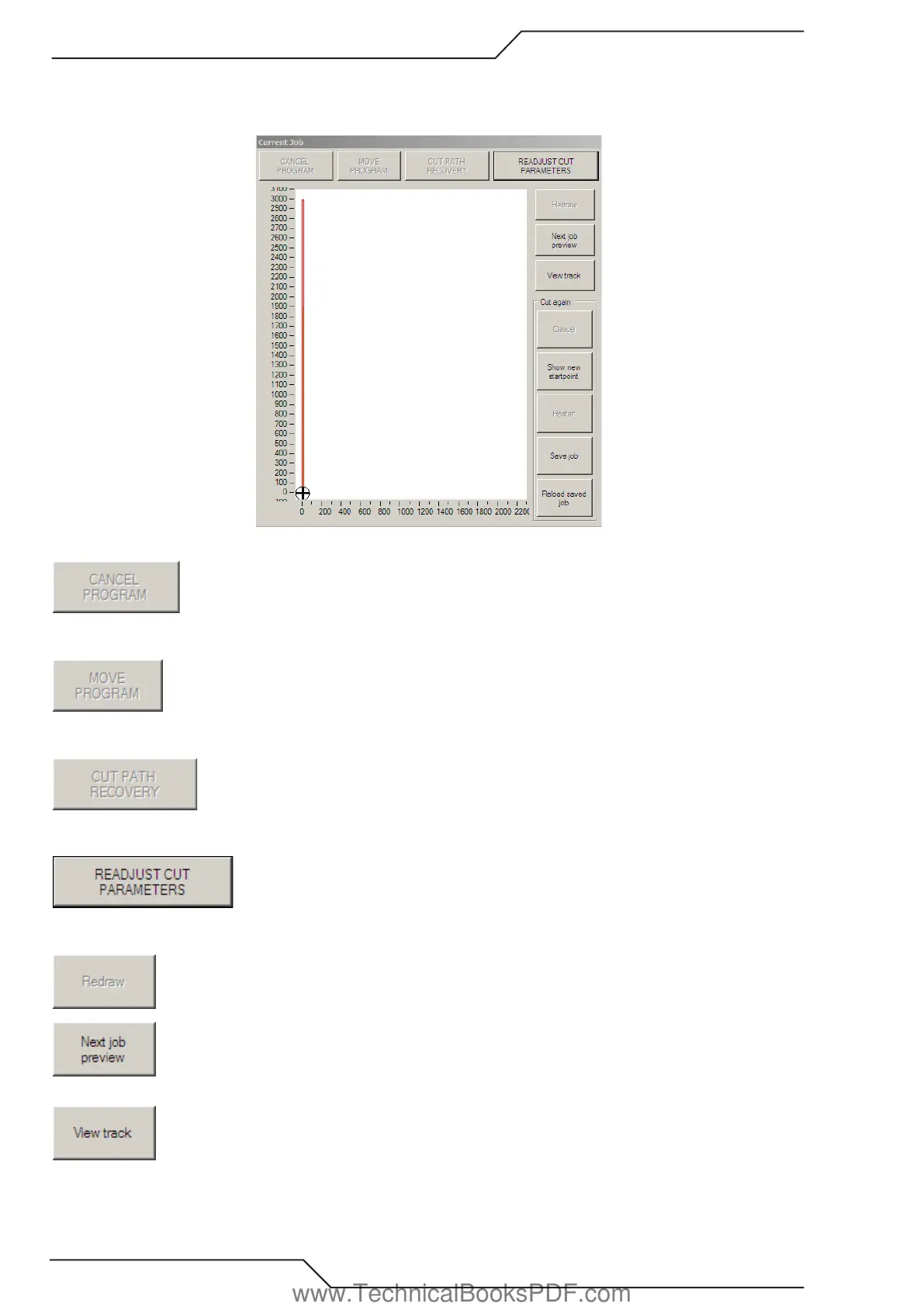
Located on the right hand side of the screen, the Current Job window displays the current job being cut with real time tracking.
Normally grayed out. Activated when a cutting program is stopped by pressing the Torch On/Off or the
Stop–Backup button located on the front panel of the controller. Selecting Cancel Program will terminate
the current job being cut or trial run.
Normally grayed out, it becomes activated when a cutting program is stopped and the Manual Mode
button is selected. When confirming if a part program fits on a plate, i.e. in Trial Run mode, it will
re-position the program the same distance as the torch movement.
Normally grayed out. Activated when a current program is stopped and the Manual Mode button is se
lected. Selecting Cut Path Recovery will re-start the pierce cycle at the point the torch is located and will
allow travel back to the original program path.
Selecting the Readjust Cut Parameters button will allow the operator to change certain param
eters i.e. cutting speeds, creep speed/time, and delays, to the cutting program on the fly. This
will eliminate the need for stopping the machine to make these changes.
Refresh the current job screen.
Selecting the Next job preview will transfer the next program from the Next Job Preview screen without
activating the cutting sequence. This is grayed out during cutting.
Selecting the view track during cutting will zoom in on the cutting path.
www.TechnicalBooksPDF.com



 To Next Page