Replace the HEPA filter routinely on an annual basis, or more often if it
changes color. The filter should also be changed when the chamber is
cleaned.
Warning The electronics section contains hazardous voltages. Only
qualified service personnel should access this area.
s
There are only two replaceable fuses in the incubator. To access the fuses:
1. Turn off the incubator’s power switch and unplug the power cord.
2. Open the outer door to the chamber.
3. Remove the two screws located below the control panel.
4. Lift up on the control panel, then pull it out.
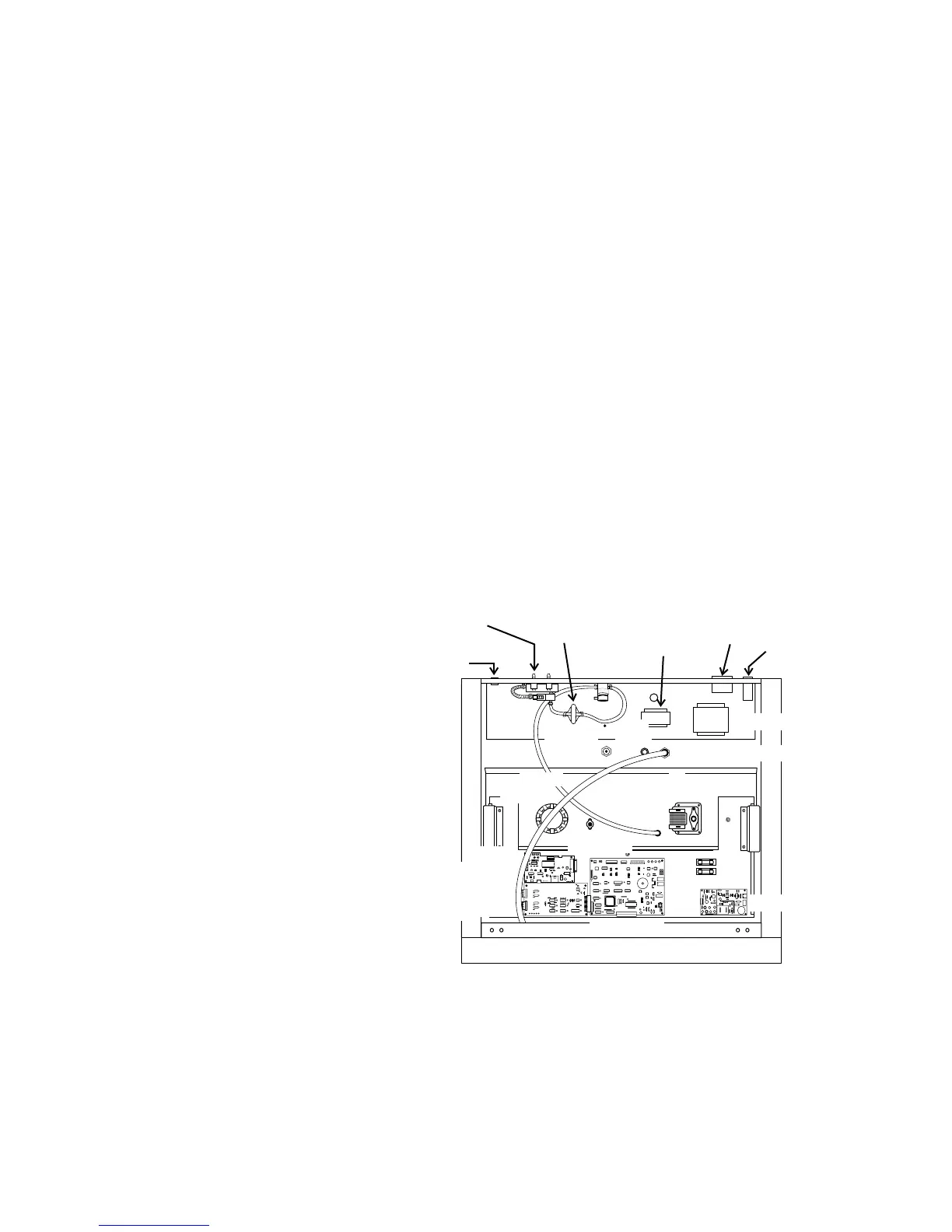
5. Refer to Figure 5-8 for the location of the two fuses.
6. Slide the control panel back in, replace the screws and return the unit
to service. If the fuse(s) blow after restoring power to the incubator,
contact Technical Services Department.
5-8 Model 310 Series DH Incubator Thermo Scientific
Section 5
Routine Maintenance
Replacing the Power
Fuses
75W max.








 To Next Page