Operation
Service Menu
3-96 Model 42i Low Source Instruction Manual Thermo Electron Corporation
Restore User Defaults The Restore User Defaults screen is used to reset the user calibration and
configuration values to factory defaults. The restore user defaults screen is
visible only when the instrument is in service mode. For more information
on the service mode, see “Service Mode” earlier in the chapter.
Note When this item is selected, the instrument will be automatically
rebooted after restoring defaults.
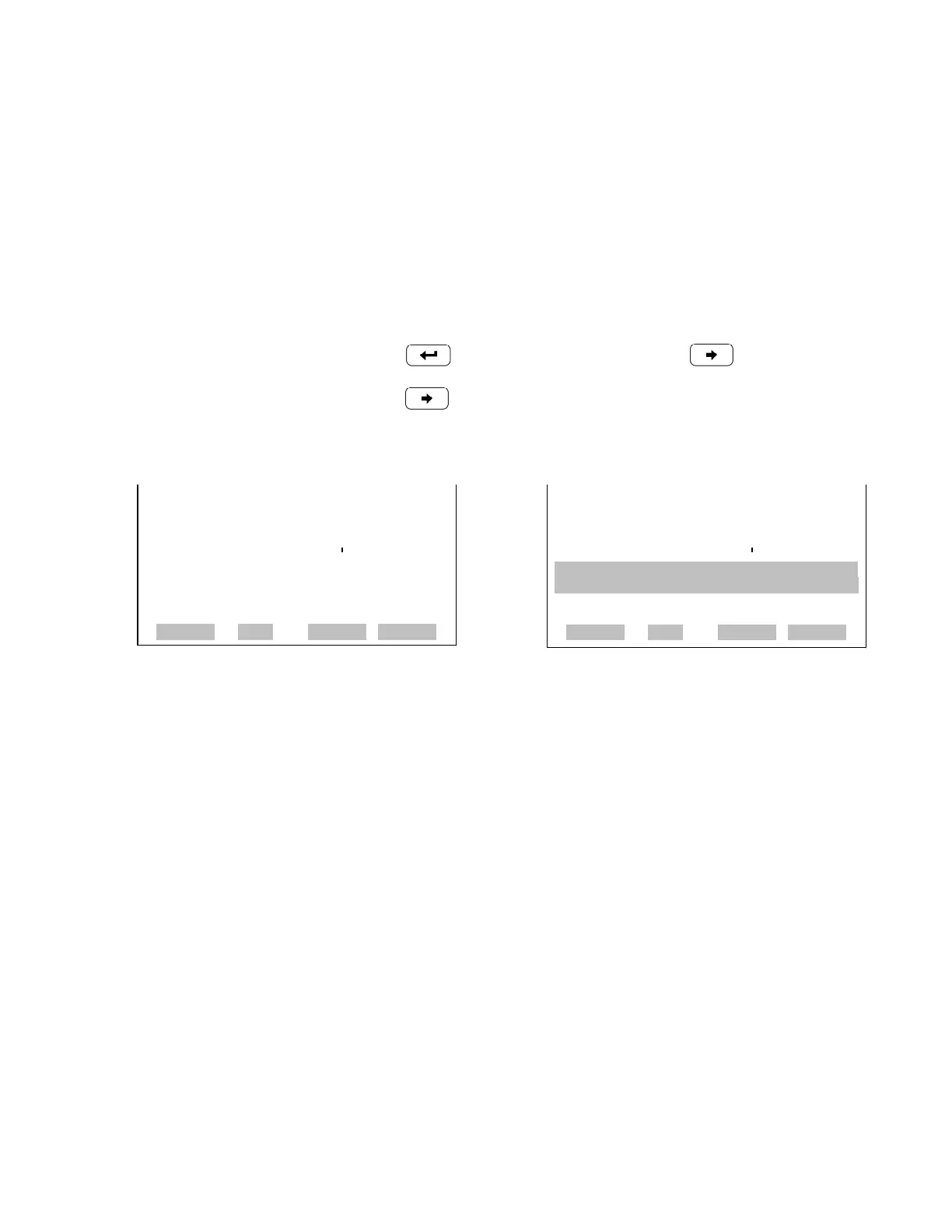
• In the Main Menu, choose Service > Restore User Defaults.
•Press to warn and enable restore with .
•Press to overwrite all user settings with factory default values.
RESTORE USER DEFAULTS: RESTORE USER DEFAULTS:
RESTORE RESTORE
ARE YOU SURE YOU WANT TO?x
PRESS ¨ TO CONFIRM RESTORE
RANGE AVG DIAGS ALARM
RANGE AVG DIAGS ALARM










 To Next Page