Servicing
Analog Output Testing
Thermo Electron Corporation Model 42i Low Source Instruction Manual 7-31
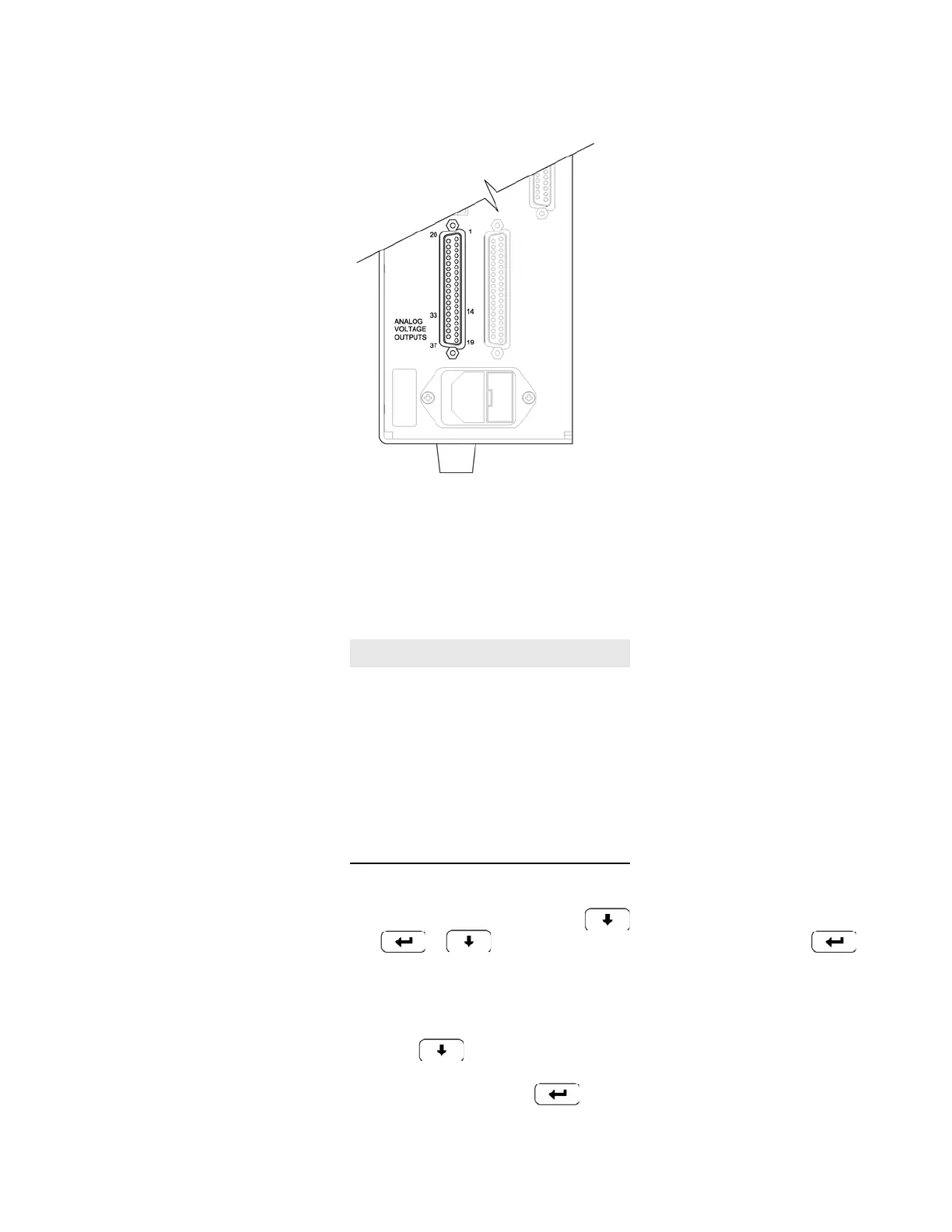
Figure 7-17. Rear Panel Analog Voltage Output Pins
2. From the Main Menu,
press to scroll to Diagnostics, > press
> to scroll to Test Analog Outputs, and press .
The Test Analog Outputs screen appears.
3. Press to scroll to the channel (Voltage Channel 1-6)
corresponding to the rear panel terminal pin where the meter is
connected, and press .
Table 7-3. Analog Output Channels and Rear Panel Pin Connections
Channel Pin
114
233
315
434
517
636
Ground 16, 18, 19, 35, 37










 To Next Page