Operation
Instrument Controls Menu
Thermo Electron Corporation Model 42i Low Source Instruction Manual 3-59
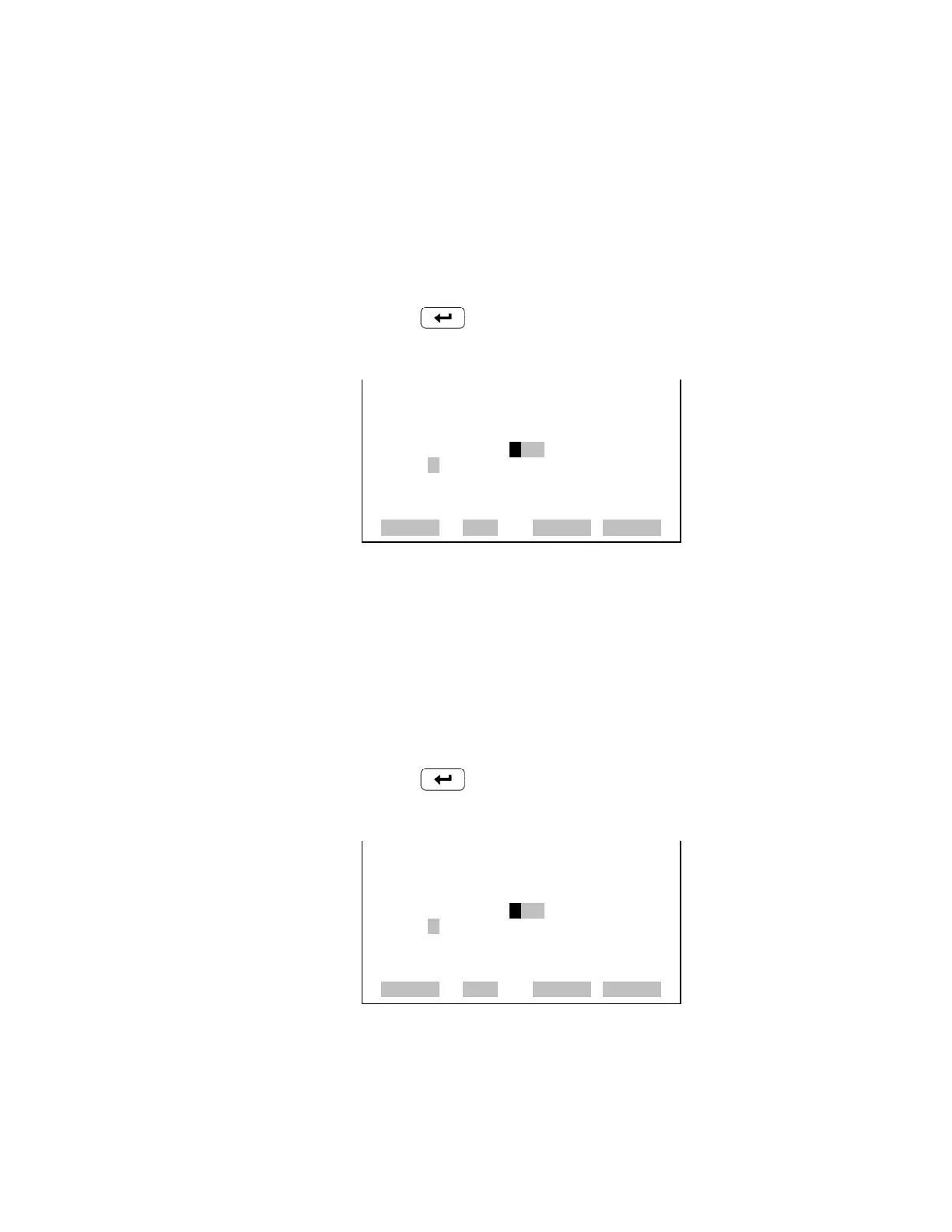
Descriptor The Descriptor screen allows the user to enter the descriptor for the selected
analog input channel. The descriptor is used in datalogging and streaming
data to report what data is being sent out. The descriptor may be from 1 to
3 characters in length, and defaults to IN1 to IN8 (user input channel
number).
• In the Main Menu, choose Instrument Controls > I/O Configuration >
Analog Input Config > Select Channel > Descriptor.
• Press to save the new descriptor.
Units The Units screen allows the user to enter the units for the selected analog
input channel. The units are displayed on the diagnostic screen and in
datalogging and streaming data. The units may be from 1 to 3 characters in
length, and defaults to V (volts).
• In the Main Menu, choose Instrument Controls > I/O Configuration >
Analog Input Config > Select Channel > Units.
• Press to save the new value.
ANALOG INPUT DESCRIPTOR:
CURRENTLY: IN1
IN1
ABCDEFGHIJKLMN BKSP
OPQRSTUVWXYZ PAGE
0123456789 ./- SAVE
RANGE AVG DIAGS ALARM
ANALOG INPUT UNITS:
CURRENTLY: V
VSS
ABCDEFGHIJKLMN BKSP
OPQRSTUVWXYZ PAGE
0123456789 ./- SAVE
RANGE AVG DIAGS ALARM










 To Next Page