© 2016 THINKWARE. All rights reserved.
Confidential Restricted
Order of mounting a front camera (Non LCD type)
While the hardwiring cable is
connected to the fuse, turn on
the terminal and ensure it is
powered up properly.
(Ensure the booting is finished
successfully.)
⑨ ⑩
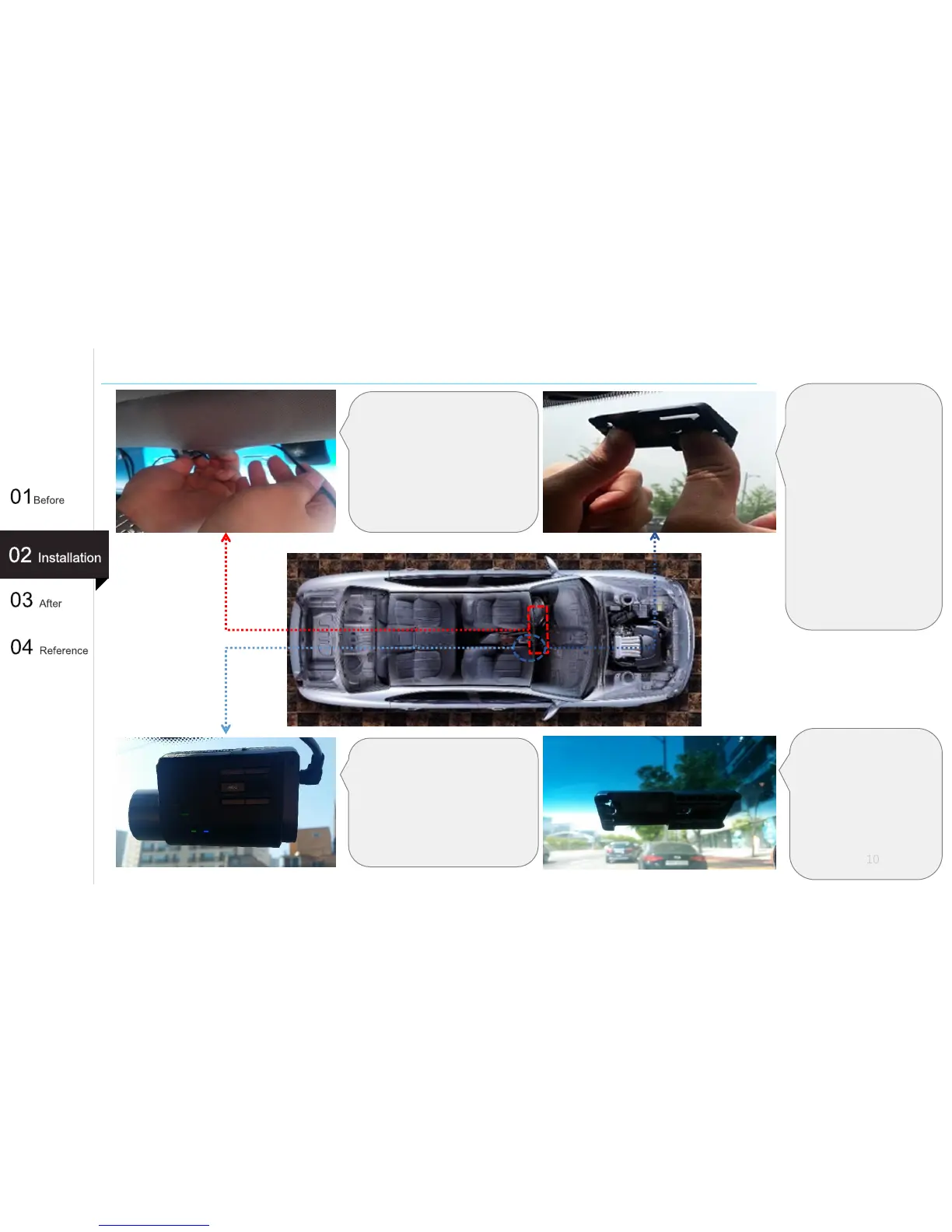
Insert the remaining cable
between the front glass and the
indoor material(ceiling) and
nicely arrange the cable.
Select a location to attach
the holder. Install the lens
of the dash cam to the
center behind the rearview
mirror. Use a clean cloth
to wipe it.
Using both hands, apply
force to a holder so that
the 3M double sided tape
is firmly attached.
(Pay special attention so
that there will be no
bubbles formed in the 3M
double sided tape.)
⑪
⑫
10
⑪
Tell the customer to
wait for one day(24
hours) before mounting
a dash cam so that the
3M tape is completely
fixed to the holder.



 To Next Page