www.thunderlaser.com DONGGUAN THUNDER LASER EQUIPMENT CO.,LTD
tech@thunderlaser.com Shatian Town, Shatian Dadao, Mintian
Tel : (86)769 826653 Dongguan City, Guangdong Province, China
3.2 How to prepare your files for feeding into the laser
program to cut
Scenario 1:
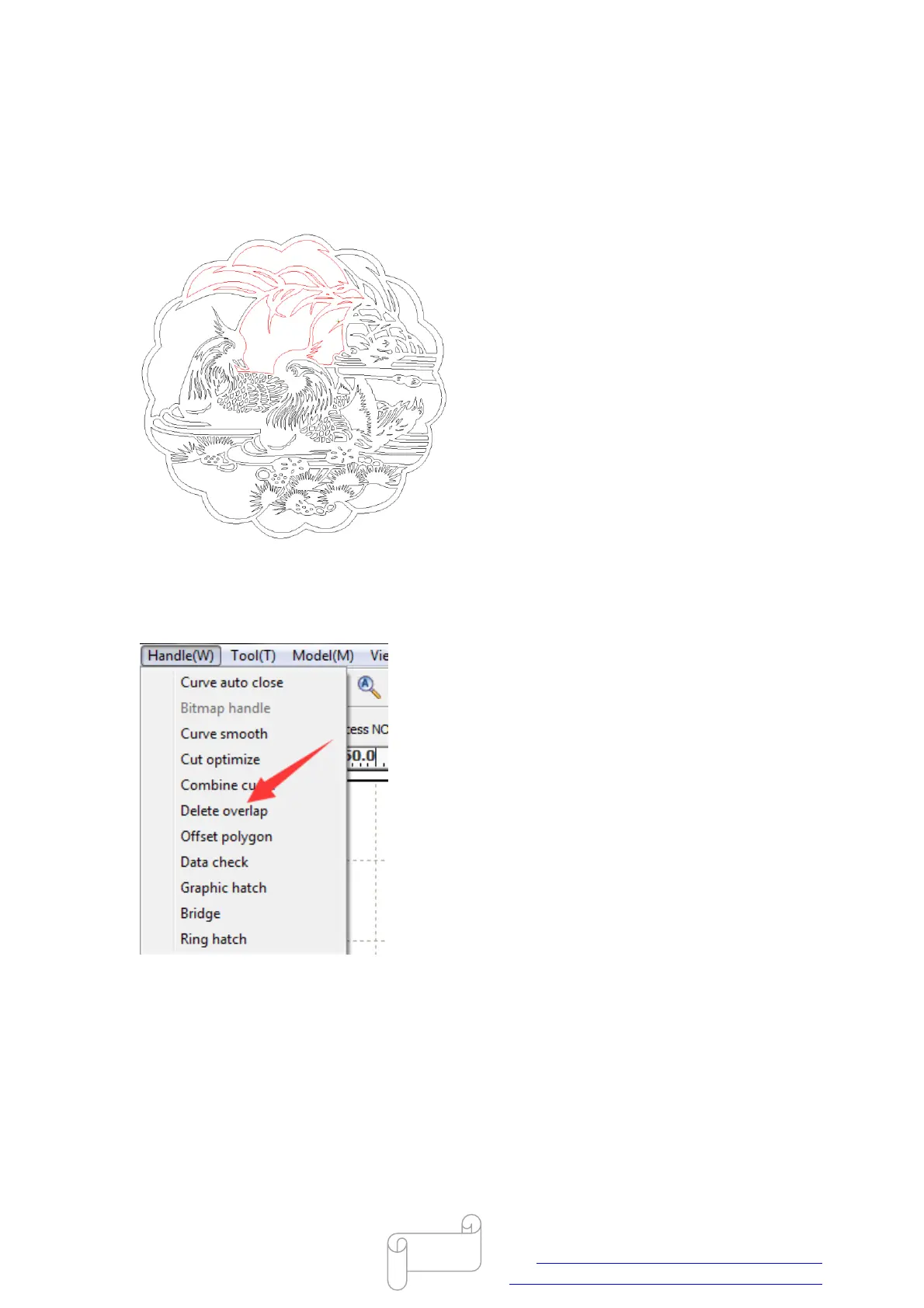
If the vector has overlapped paths and it will be cut repeatedly.
Solution:
In RDworks, you can use “Delete overlap” tool to delete all overlapped paths, like below.
Scenario 2:
If you’d to make a rectangle at 30×30mm, however, it becomes 29.9×29.9mm when cut it
through on material, because there’s a little bit of gap appear on cutting edge, like below.



 To Next Page