www.thunderlaser.com DONGGUAN THUNDER LASER EQUIPMENT CO.,LTD
tech@thunderlaser.com Shatian Town, Shatian Dadao, Mintian
Tel : (86)769 826653 Dongguan City, Guangdong Province, China
Chapter3 Laser cutter software
3.1 How to prepare your files for feeding into the laser
program to engrave
Note: the laser machine can only burn into or through material. Also, the beam can only be made
to follow straight or curved paths or to burn a grid of dots (a bitmap image). There is no way for
the laser to represent color.
Scanned Image Engraving
The image is engraved by the laser machine line by line, point by point, similar to the way in
which an inkjet printer applies ink, but instead of ink being applied, material is removed pixel by
pixel by the laser.
Scenario 1:
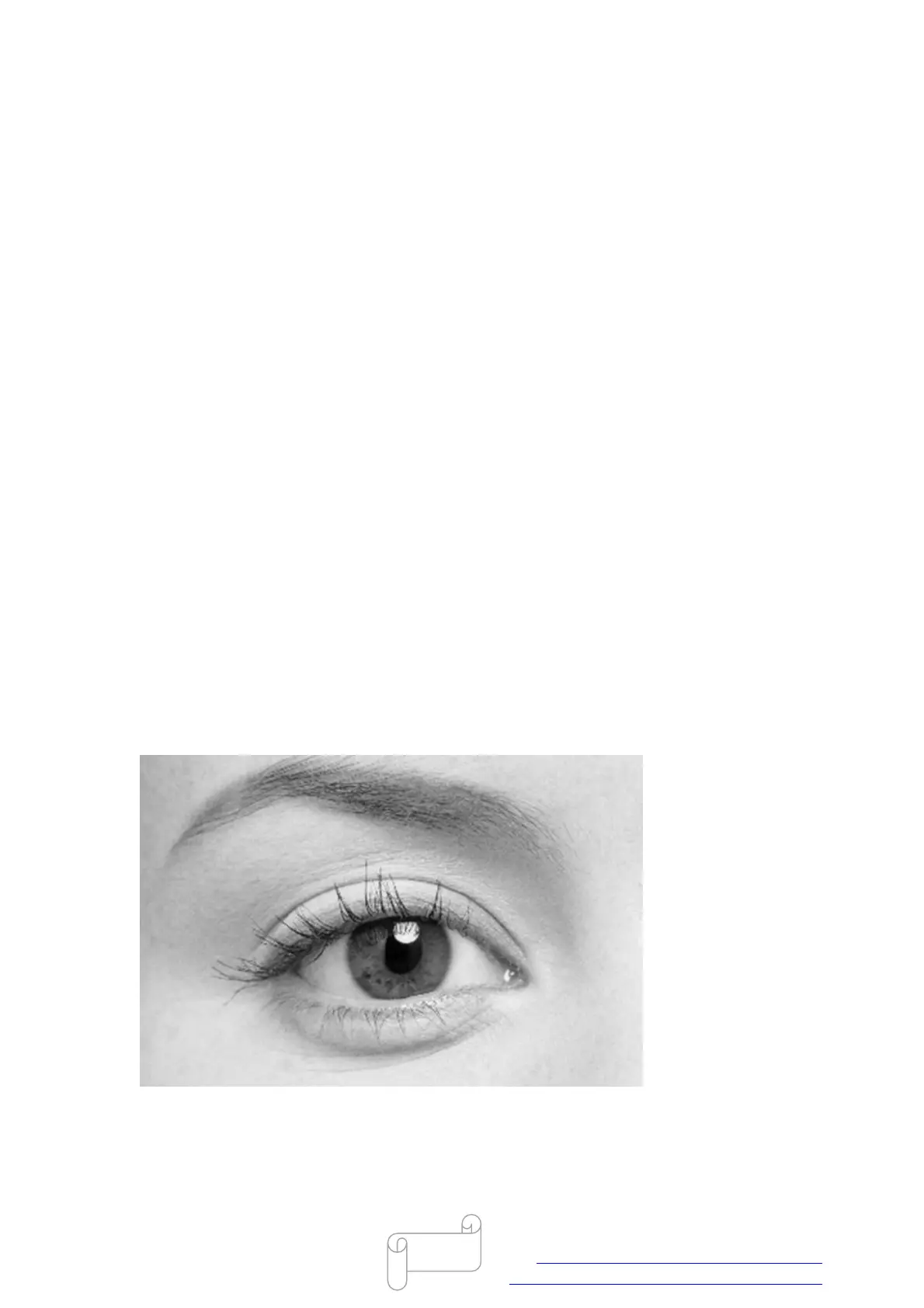
If the picture is a color image, it will automatically turn into grayscale after importing into
RDworks.
RDworks will recognize darker areas as engraving areas, and lighter areas will not engrave; if
perform the picture directly, many details of the picture will disappear, like below.



 To Next Page