www.thunderlaser.com DONGGUAN THUNDER LASER EQUIPMENT CO.,LTD
tech@thunderlaser.com Shatian Town, Shatian Dadao, Mintian
Tel : (86)769 826653 Dongguan City, Guangdong Province, China
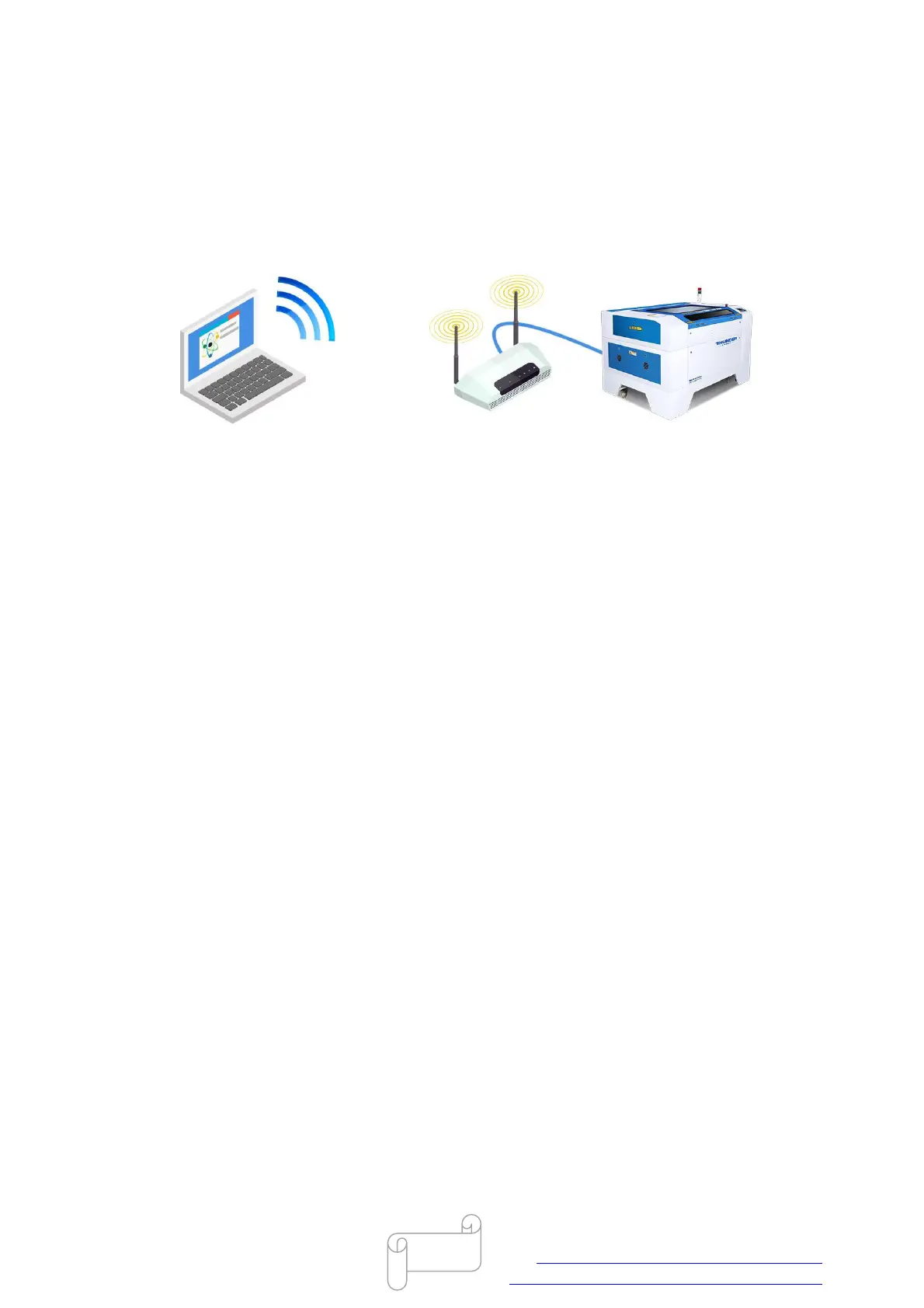
3.6 How to setup wireless network connection for Thunder
laser machine
Here's what you'll need:
A computer with wireless capability;
Almost all laptops have wireless capability built-in, but most desktop computers do not have
wireless built-in.
A wireless router;
An Ethernet cable;
A Thunder laser system
1. router setup
Use the Ethernet cable to connect the wireless router to the Ethernet port on your laser system.
Connect the power to the router.
2. Configure computer
Go to Start>>Control Panel>>Network and Sharing Center.
Right click on your Wireless Network Connection and then select Properties.
In internet protocol version 4(TCP/IPv4) Properties window select Obtain an IP address
automatically, like below.



 To Next Page