TKS Operator's manual
17
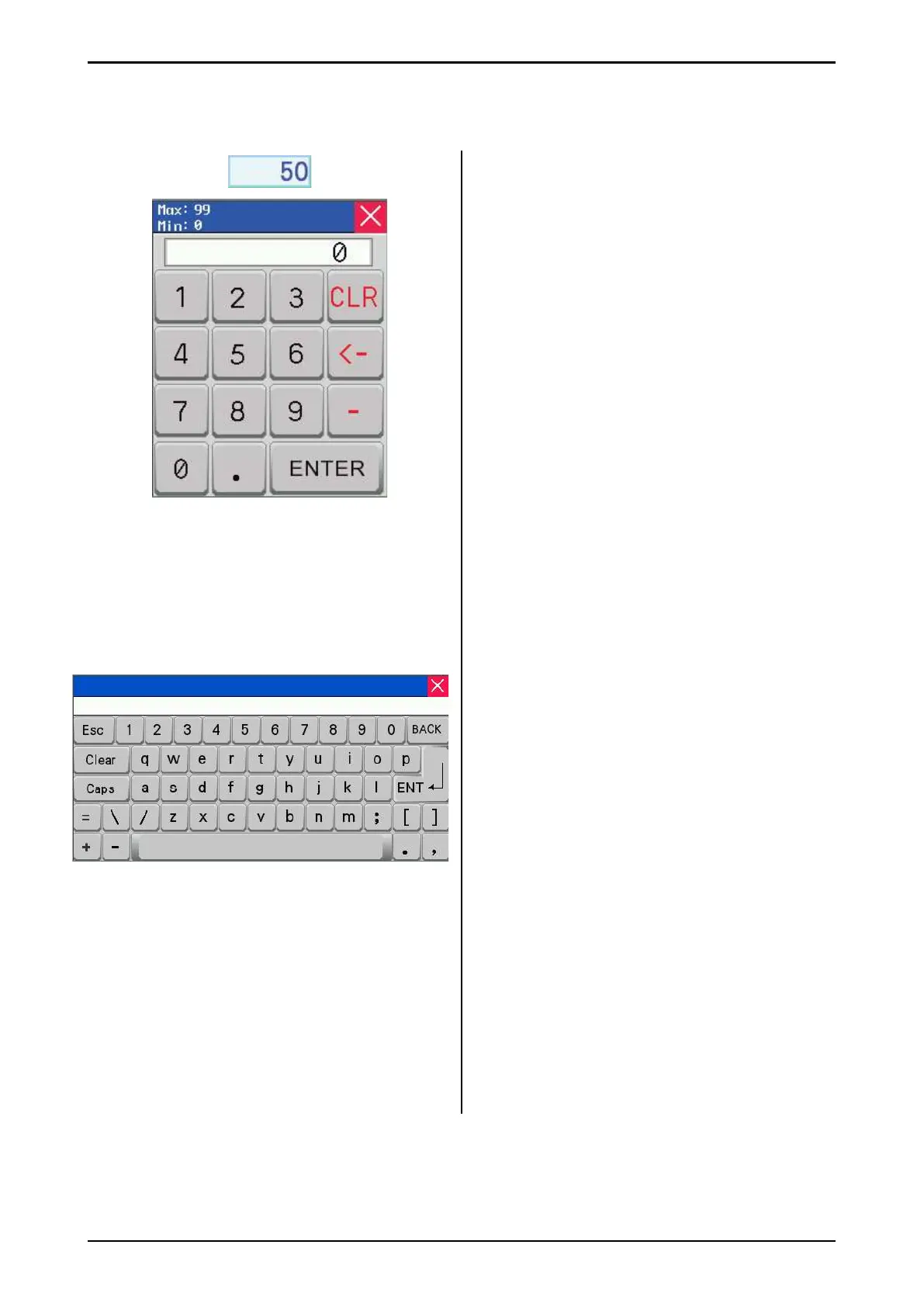
Fig. 30
Fig. 31
2.7 Numeric keypad
Values in fi elds with blue borders can be
changed. Press on the number and a numeric
keypad will appear on the screen.
The Max/Min value that can be entered in this
fi eld is shown at the top of the window. Enter a
new value using the numeric keypad.
If an incorrect value is entered, press the
<─ key and delete the most recently entered
number. Press CLR to delete everything.
To enter a negative value, press – before the
value. Once you have selected a value, press
the ENTER button.
This will save the value and close the keypad
window.
To cancel, press X in the upper right-hand
corner. The old value will continue to be active.
To enter times in the feed dispensing schedule
window, begin by entering hours – then press
period. Now enter minutes.
Make sure that the time is correct.
For example, if you enter 12.65, this will be
ignored – enter 13.05 instead.
2.8 Alphabetic keypad
When you enter values with text (e.g. name of
animal) the screen will display an alphabetic
keypad:
When editing a text fi eld, the old text is
displayed on the screen.
New text can be entered, and the old text will
disappear.
Use the Caps button to switch between
uppercase and lowercase letters.
Press the BACK button to remove the last
symbol registered, or press Clear to delete all
text, then enter the new text.
Note that there is a limit on the number of
letters in the fi eld. The fi rst letters will be
deleted if a long string of text is entered.
When the text has been entered, press the
ENT button. This will save the text and the
keypad window closes.
If you want to cancel, press the X or Esc button
and the old value will remain active.



 To Next Page