TKS Operator's manual
49
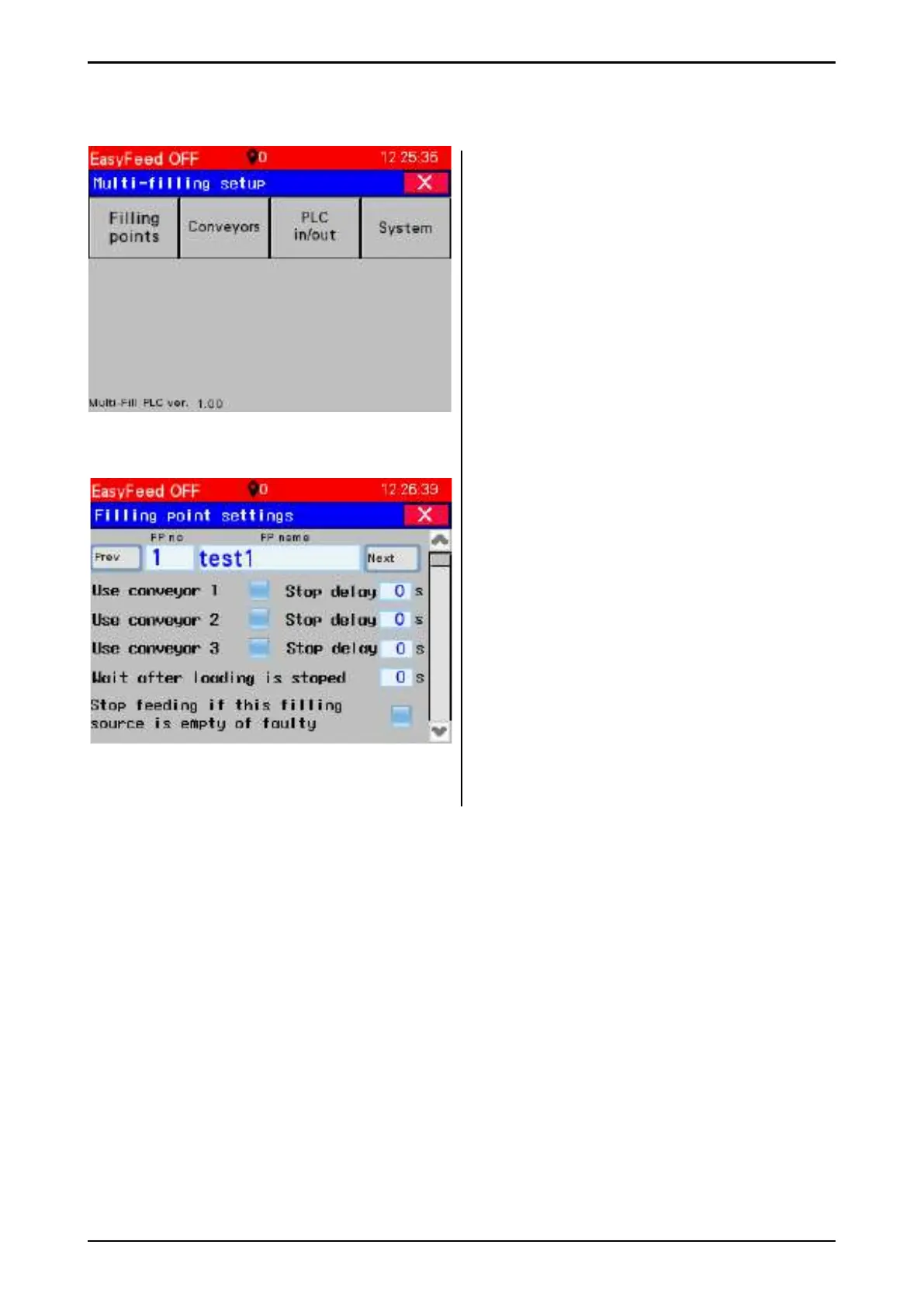
3.9 Multi-fi lling settings
• Filling points – detailed settings for each
fi lling source.
• Conveyors – Conveyor settings
• PLC in/out – overview of PLC inputs and
outputs for “multifi ll” PLC box.
• System – system settings.
3.9.1 Filling point settings
Choose fi lling points settings – enter the desired
number, or use the previous and next buttons.
The fi lling sources can be named:
• Use Conveyor 1 (2,3) – Select which
conveyor is in use for the selected fi lling.
• Stop delay – Enter conveyor stop delay
after fi lling source has stopped.
• Waiting after loading is stopped – time
that the machine must wait in the fi lling
position after the fi lling source is stopped.
• Stop feeding if this fi lling source is empty of
faulty. Select this if the fi lling source is
necessary for feeding. If this is selected and
the machine cannot pick up feed from the
fi lling source – then the machine stops
feeding and goes into alarm mode.
Fig. 79
Fig. 80



 To Next Page