TKS Operator's manual
21
3.2 Set the clock
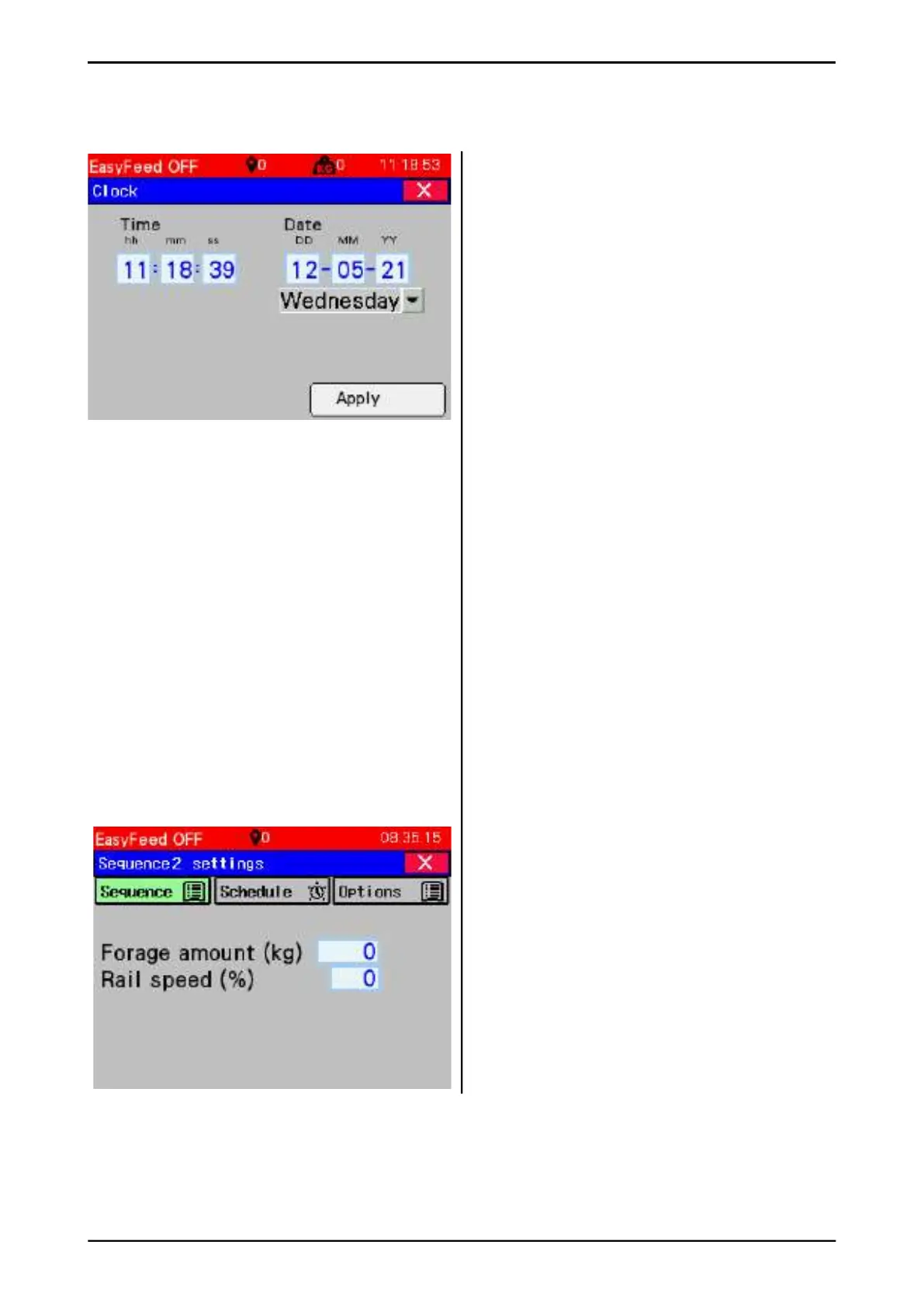
Press and hold on the clock on the screen
The window for setting the clock is displayed
• Hours hh, minutes mm, seconds ss can be
adjusted
• Day DD, month MM, year YY can be
adjusted
• Select day of the week from the list
Press Apply to save
3.3 Single sequence settings
The sequence is settings where the user choos-
es how and with what quantity the machine
dispenses feed for the group.
The sequence screen may be diff erent depend-
ing whether:
• The machine is equipped with weight
system.
See chap. 3.3.1.
• The machine is equipped with 1 or 2 grain
feed tank(s). See chap. 3.3.2
• The machine is equipped with "Multifi ll" for
several fi lling sources. See chap. 3.3.3
• The sequence is enabled
"Advanced mode"
See chap. 3.3.4
3.3.1 Sequence/group without weight,
without "Grain" and without "Multifi ll".
• Passes – Enter how many times the ma-
chine should pass the group as it dispenses.
• Rail speed (%) – speed (as a percentage of
max) of ceiling operation while the machine
dispenses in group.
Tip – If more feed is desired, increase the
number of passes.
If a small adjustment of forage quantity is
desired, the rail speed is changed (the less the
machine is moved, the more it can dispense).
Fig. 38
Fig. 39a



 To Next Page