TKS Operator's manual
18
Fig. 32
Fig. 33
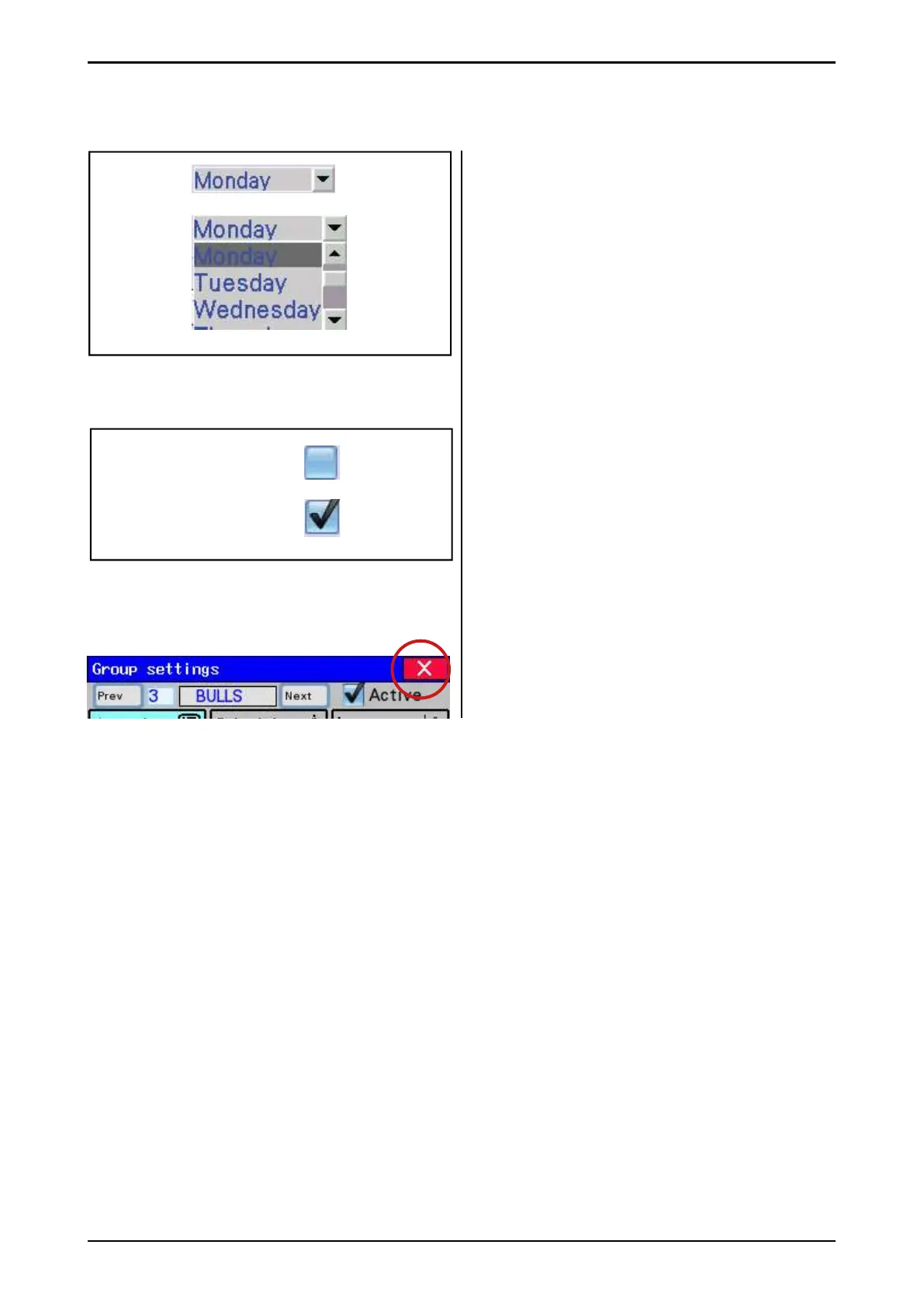
2.9 Selecting values
Selecting pre-programmed values from a
list.
• Open the list – Press the value or the down
arrow
• Select a value from the list
2.10 On/Off button
Activated or deactivated a function using the
on/off key.
• Blank – deactivated
• Ticked – activated
2.11 Close windows
All menus or windows on the screen can be
closed using the cross on a red background in
the upper right-hand corner.
Fig. 34



 To Next Page