TKS Operator's manual
31
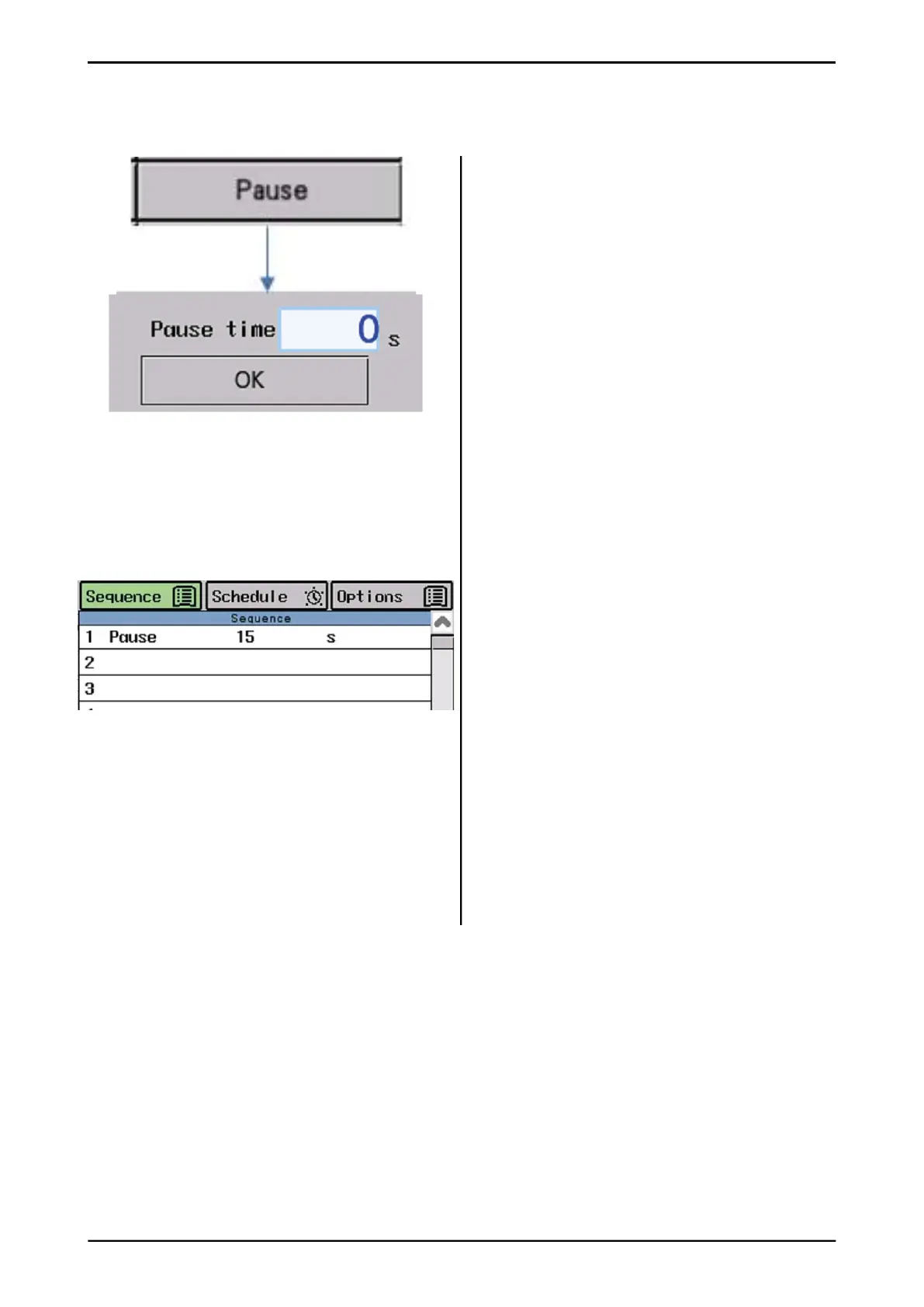
The pause command puts the machine at rest
for a selected time. The machine stands still
and counts down time.
Select the pause command and enter the
desired time in seconds.
"Pause" command in sequence:
In this example, the machine should stand still
in 15 seconds.
TIP how to use pause command:
• When you load forage/grain from diff erent
fi lling sources and you want to have a pause
in between.
• When you feed out forage and want to put
grain on top after a short pause (if the pause
is long, it could be a good idea to have grain
on a separate sequence)
• When you drive through the automatic gate
and must wait until it is up.
• When you do not want the machine to go to
the parking position immediately after
fi nishing feeding.
• Other possibilities.
3.3.4.5 Command "Pause"
Fig. 49



 To Next Page