TKS Operator's manual
32
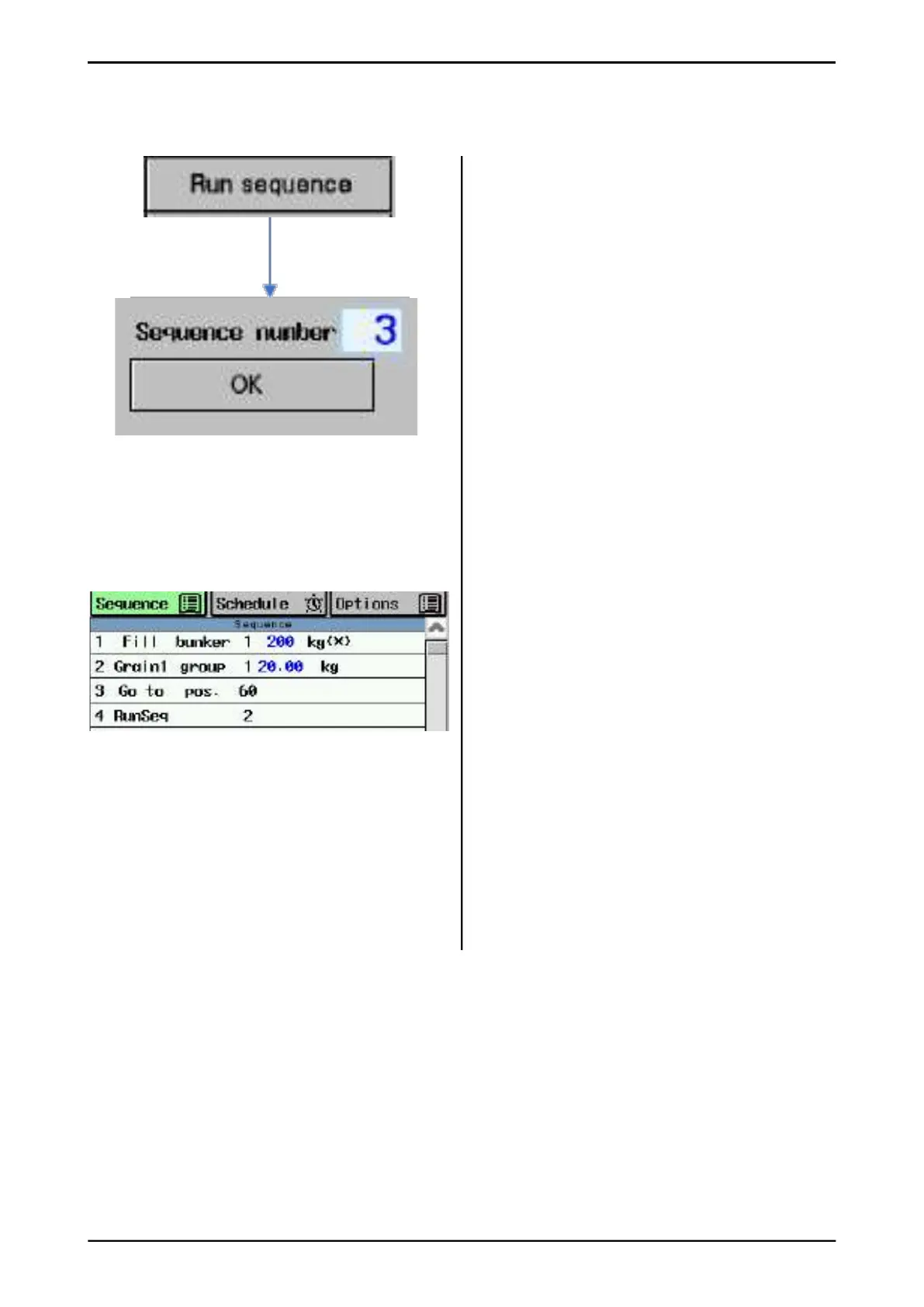
The run sequence command can start a second
sequence at the end of the current sequence.
This assumes that the “Run sequence”
command is entered as the last line of the
current sequence.
This is how "Run sequence" shows command
in sequence. In this example, sequence 2 must
be started.
TIP how to use the "Run Sequence"
command:
• Each sequence has 20 command lines.
If this is not enough, set
"run sequence" command at the end of
the sequence, and the machine continues
on a new sequence right after the current
sequence.
• Each sequence has a schedule with
12 points. You can double or triple starts this
way.
• This assumes that the "run sequence"
command is entered as the last line of the
current sequence.
3.3.4.6 Command "Run sequence"
Fig. 50



 To Next Page