TKS Operator's manual
52
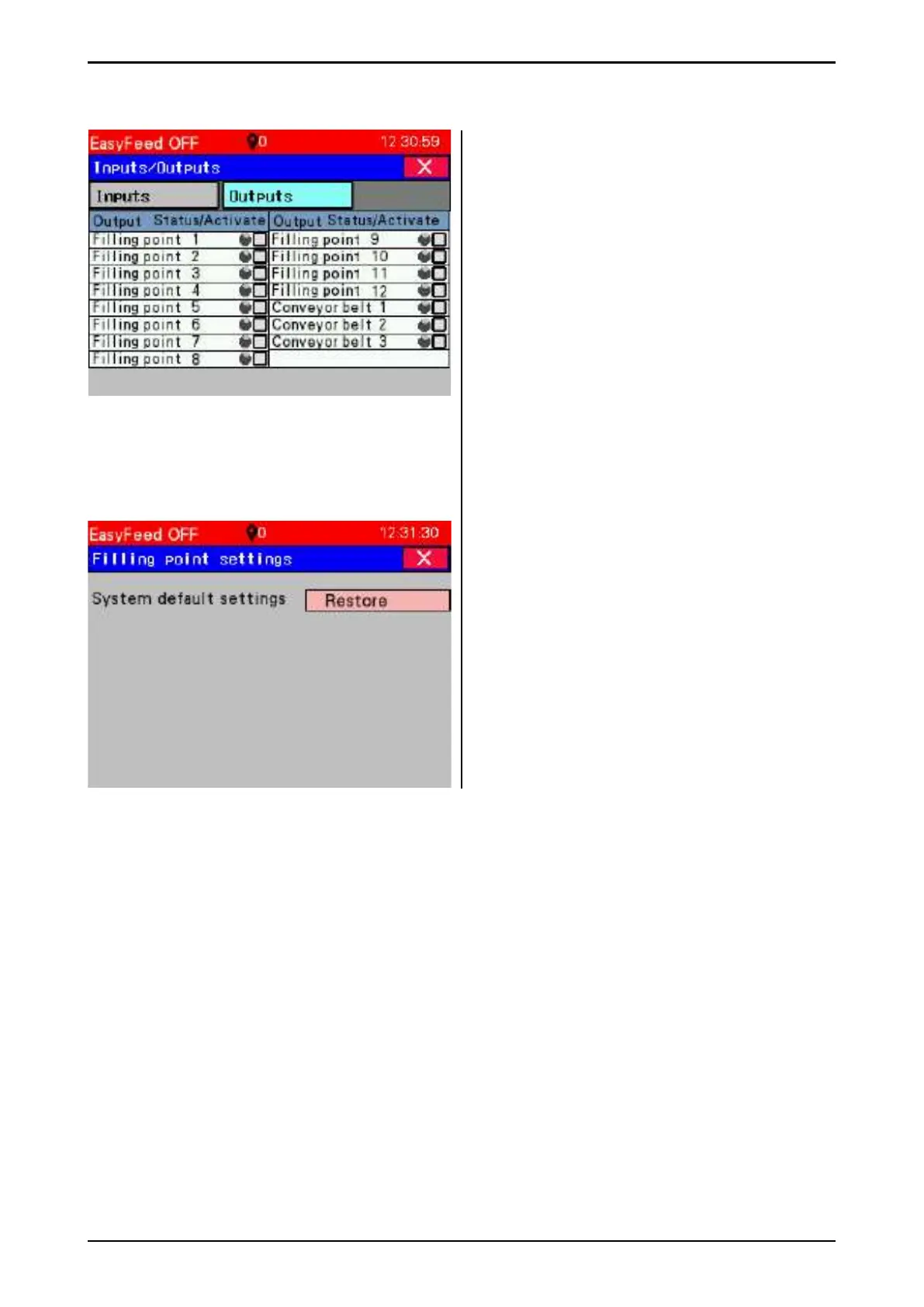
Tab Outputs
Behind every digital output a light indicates
whether it is enabled or not. Enable the output
by pressing the square (Turn on).
PLC outputs are displayed here.
Grey – not active, Green – active.
Press small rectangle at each exit to
activate output.
3.9.4 Filling point settings
Press and hold "Restore" to reset factory
settings to "Multifi ll" control cabinets.
Fig. 88
Fig. 89



 To Next Page