TKS Operator's manual
47
Fig. 76
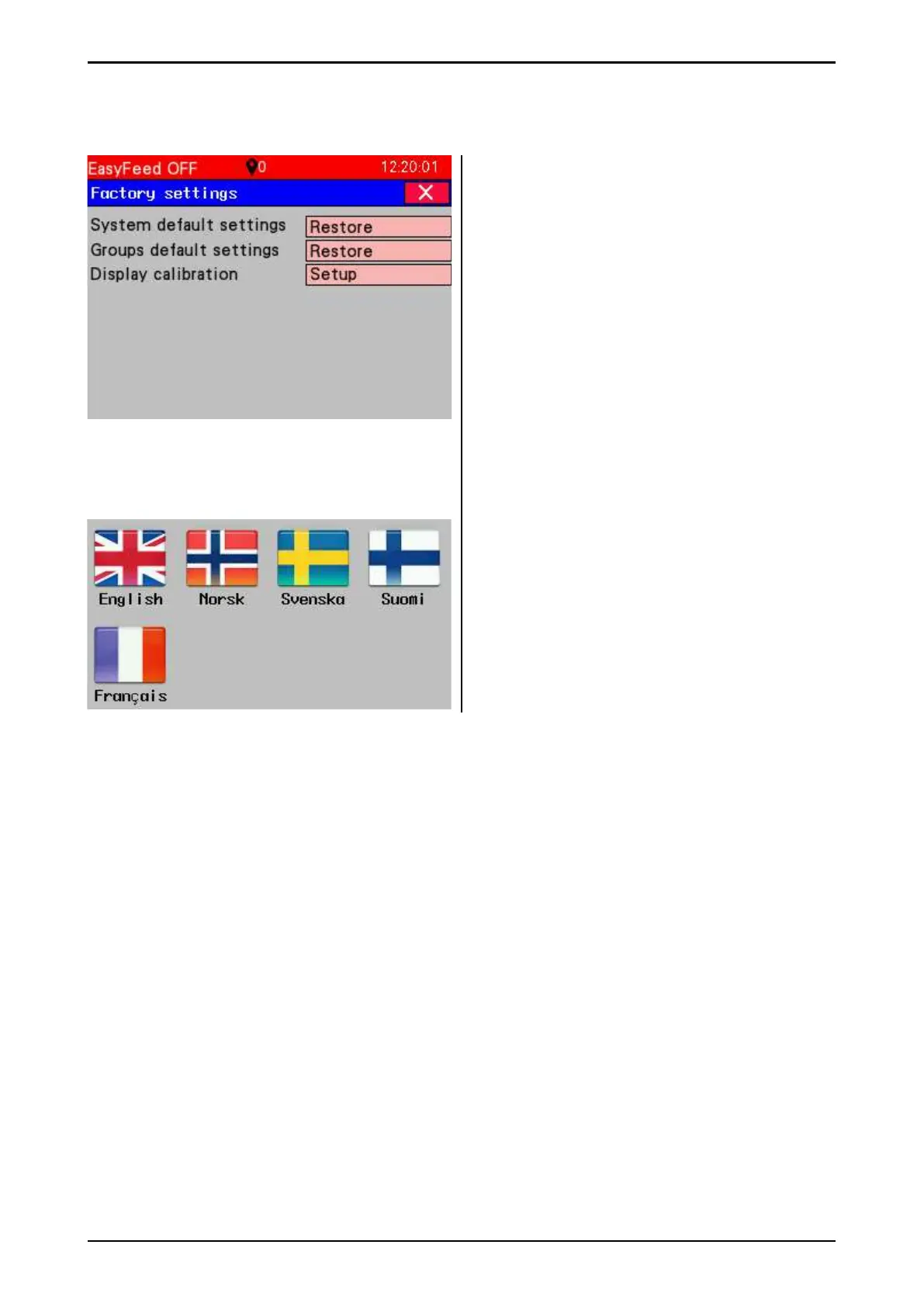
3.5.5.6 Factory settings
Selection of zones, position and brush mode.
Each zone has a start and stop position.
The start position must always be lower than
the stop position.
1 zone is always from 0-max - the entire barn
length.
If position zones overlap - higher zone numbers
have higher priority.
• System default settings -
restores the machine to factory settings.
• Group default settings - restores the
machine to factory settings for groups and
feeding settings.
• Display calibration
3.6 Language settings
Select display language and close the window.
Fig. 75



 To Next Page