TKS Operator's manual
35
3.4 Feed now function
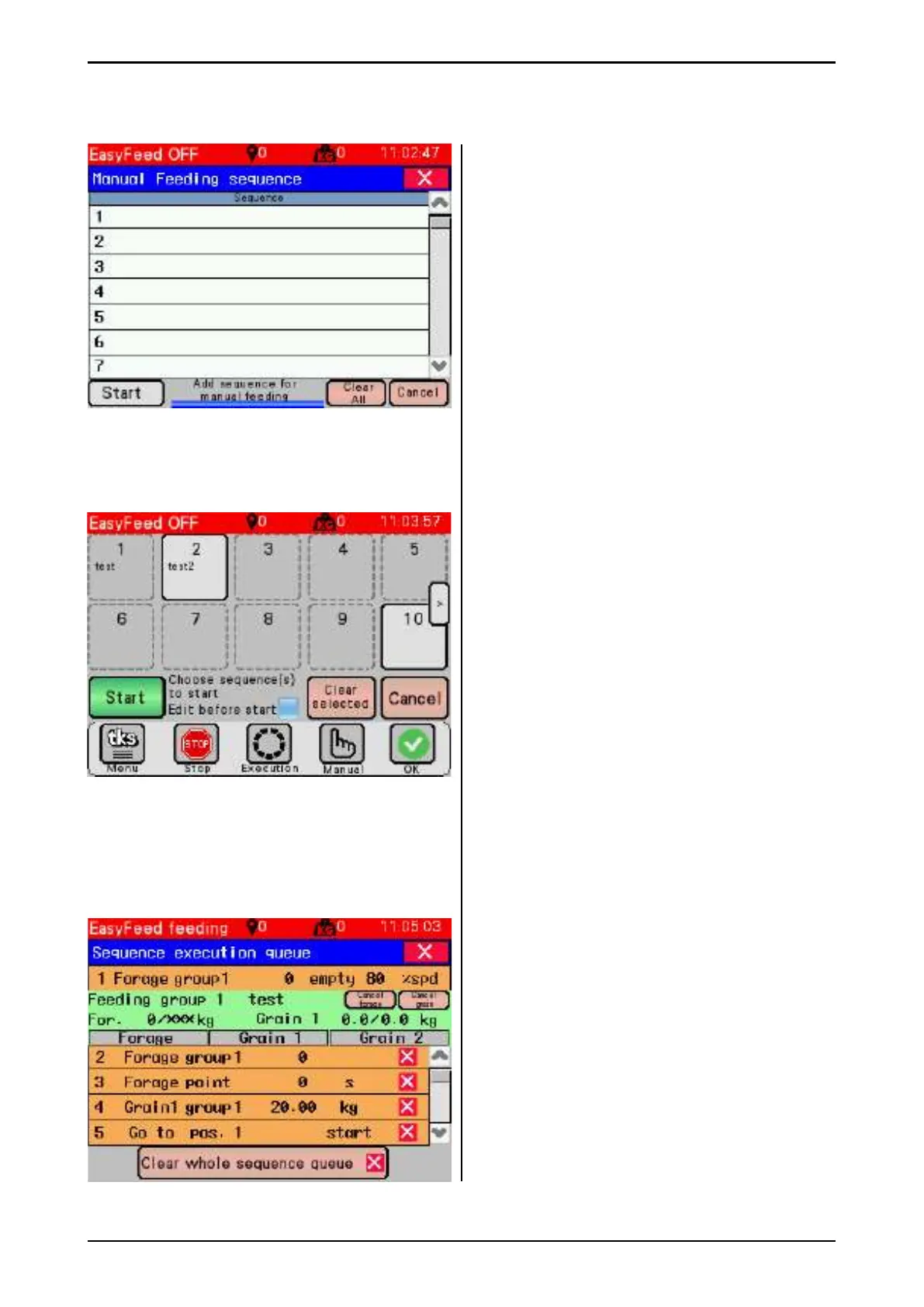
Feed now function is used to manually enable
feeding or other commands.
• Enter the desired command lines and press
start. Here all rules from advanced sequence
apply. See chapter 3.3
• Feed now sequence runs only once after
enabling.
• The command lines are not automatically
deleted after the sequence is fi nished.
Press "Clear all" to delete all command
lines in the "Feed now" sequence.
3.4.1 EasyFeed -
Press once for the feeding of several groups
• Press EasyFeed
• The group selection window appears.
Choose one or more groups.
• The selected group is marked in yellow.
Only enabled groups can be selected.
• The groups are fed with the defi ned amount
from each individual group.
• Start feeding or Cancel
• Select whether to feed Forage and Grain for
this feeding with enabled keys.
• Clear selected - the key clears all selected
groups.
• All groups will be fed one after the other.
• The next time EasyFeed is opened, the
previously selected groups will be selected.
3.4.2 Changing and starting EasyFeed
The screen looks like this when you select
"change before start" and press start.
Here you can delete lines or change quantities
It only applies to the current run and it cannot
change anything in group/sequence settings.
Press stop to end change.
It automatically ends after 3 minutes
(seconds count down on the stop button) if you
do not press the start button.
Press start button to start sequence.
Fig. 56
Fig. 54
Fig. 55



 To Next Page