TKS Operator's manual
44
Fig. 69a
Perform a calibration
1. Press the Allow skip positions key
2. Drive the machine as far back as possible.
3. Press the My position – key to set the zero
point.
4. Press the Search synchronisation points
key.
5. Drive the machine forwards to max position.
Avoid stopping.
Never drive backwards and forwards past a
synchronisation impactor.
6. Press the Max position key
7. Press the Allow skip positions key.
8. Drive the machine forwards and backwards
from
9. Place the machine in the parking position,
and press the Parking key.
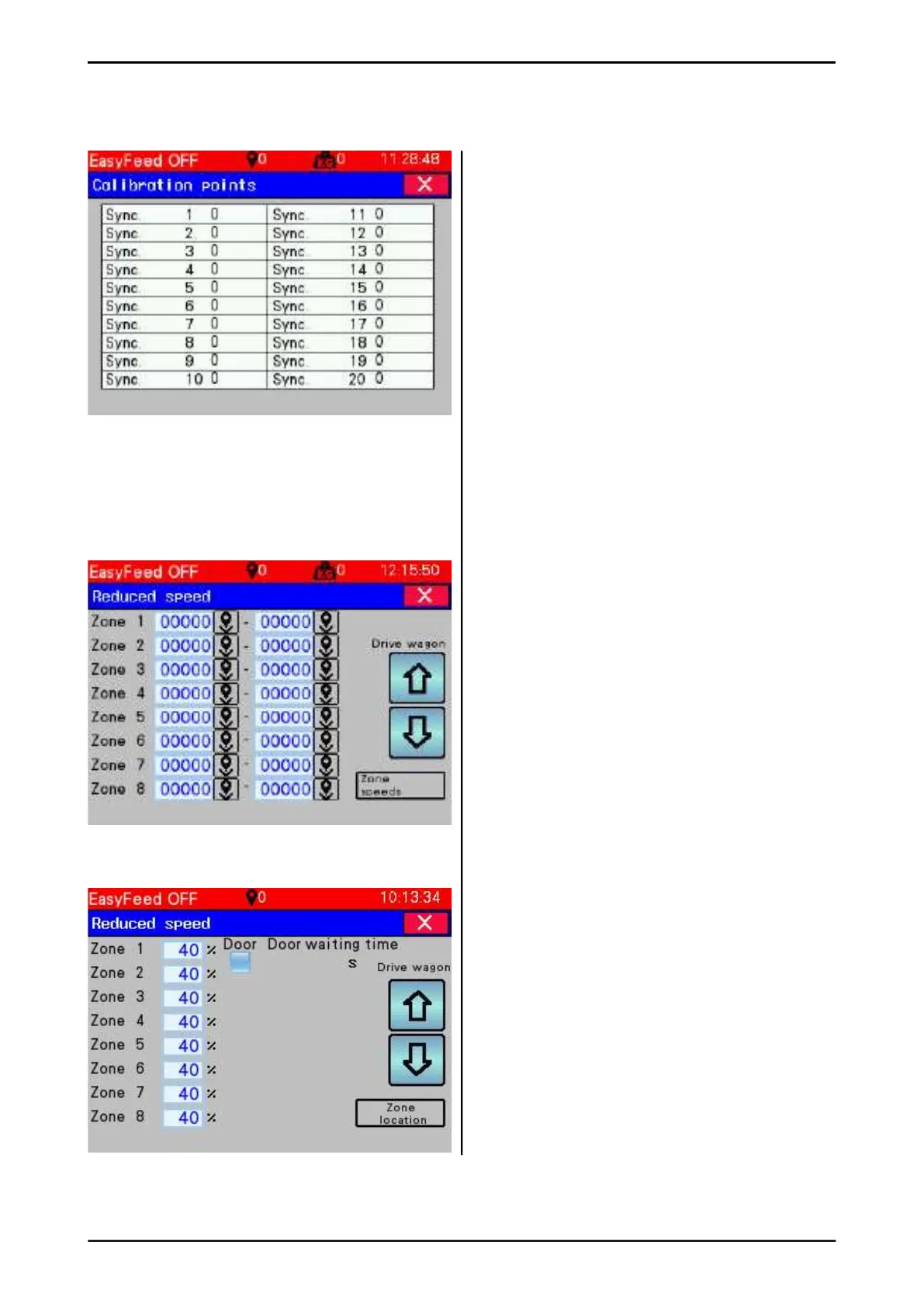
3.5.5.2 Reduced speed
At bends and awkward sections along
the rail, a reduced speed must always be set.
The machine will then move smoothly and
the stresses on the rail are reduced.
• Place the machine 1 m before the bend
• Press the Set machine position key
• Drive the machine past the bend.
• Press the Set machine position key
• Enter Reduced speed in the fi eld
• Press speed settings
• Enter desired speed for each zone
• Activate door - The cart will stop and wait
for the door to open.
• Waiting time door - a window appears.
Enter the waiting time in seconds.
ATTENTION!
Can only be used in zone 1.
Fig. 69b
Fig. 68



 To Next Page