TKS Operator's manual
23
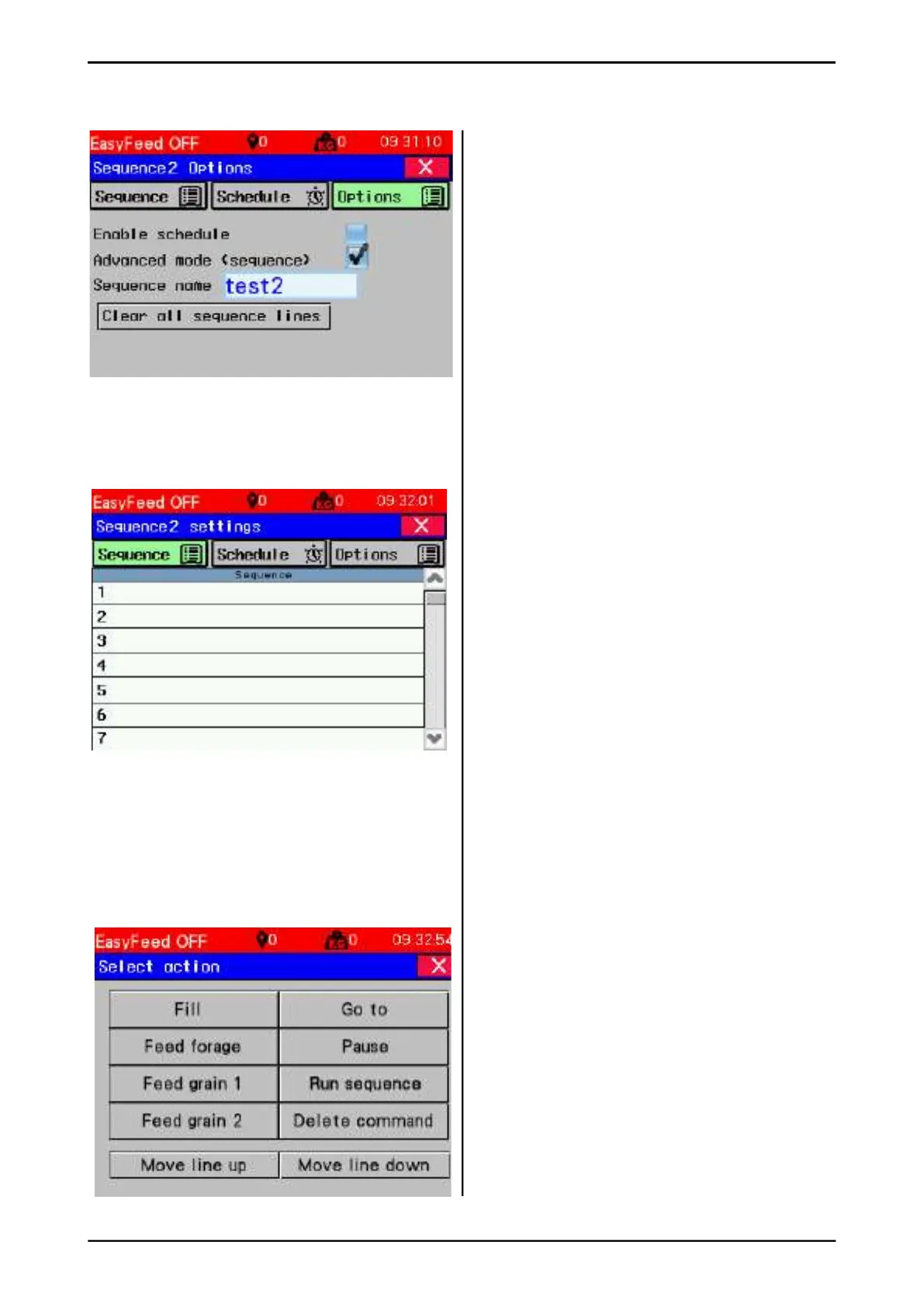
Selection of option advanced sequence
To remove existing sequence lines
• Press and hold in the fi eld Select for
3 seconds. All text in the sequence table will
be removed.
• Press the fi eld (line) and add a new name for
the sequence
• After choosing advanced mode, the
sequence page has changed.
• To create sequence, press the sequence
button.
Advanced sequence programming
• We are now on the page where the s
equence is entered.
• Free line selection, and blank lines are
ignored.
• Press the line for the fi rst event and follow
the upcoming description.
Select action
Press button for desired action.
See an explanation of the diff erent choices in
the next chapters.
Fig. 41
Fig. 42
Fig. 43



 To Next Page