TKS Operator's manual
25
Fill – Filling choice of grain or forage
• Fill -> Grain – After grain is selected, the fi lling command is fi nished.
• Fill -> Forage – Choose which fi lling source you want to use.
• Fill -> Forage -> Filling source – Choose weighing method.
• Fill -> Forage -> Filling source->
Weight – Enter the number of kg
It uses the weight that is set up in fi lling source settings.
• Fill -> Forage-> Filling source ->
Total weight – Enter the number of kg. It uses the weight that is set up in fi lling source settings
but is fi lled to absolute weight value.
Example:
If the specifi ed quantity is 100kg and the machine holds 30kg – only refi ll from 70kg and stop
at 100kg.
• Fill -> Forage-> Filling source->
Time – Enter fi lling time in seconds. Weight system is not used.
• Fill -> Forage-> Filling source->
Fill – Fill up the machine
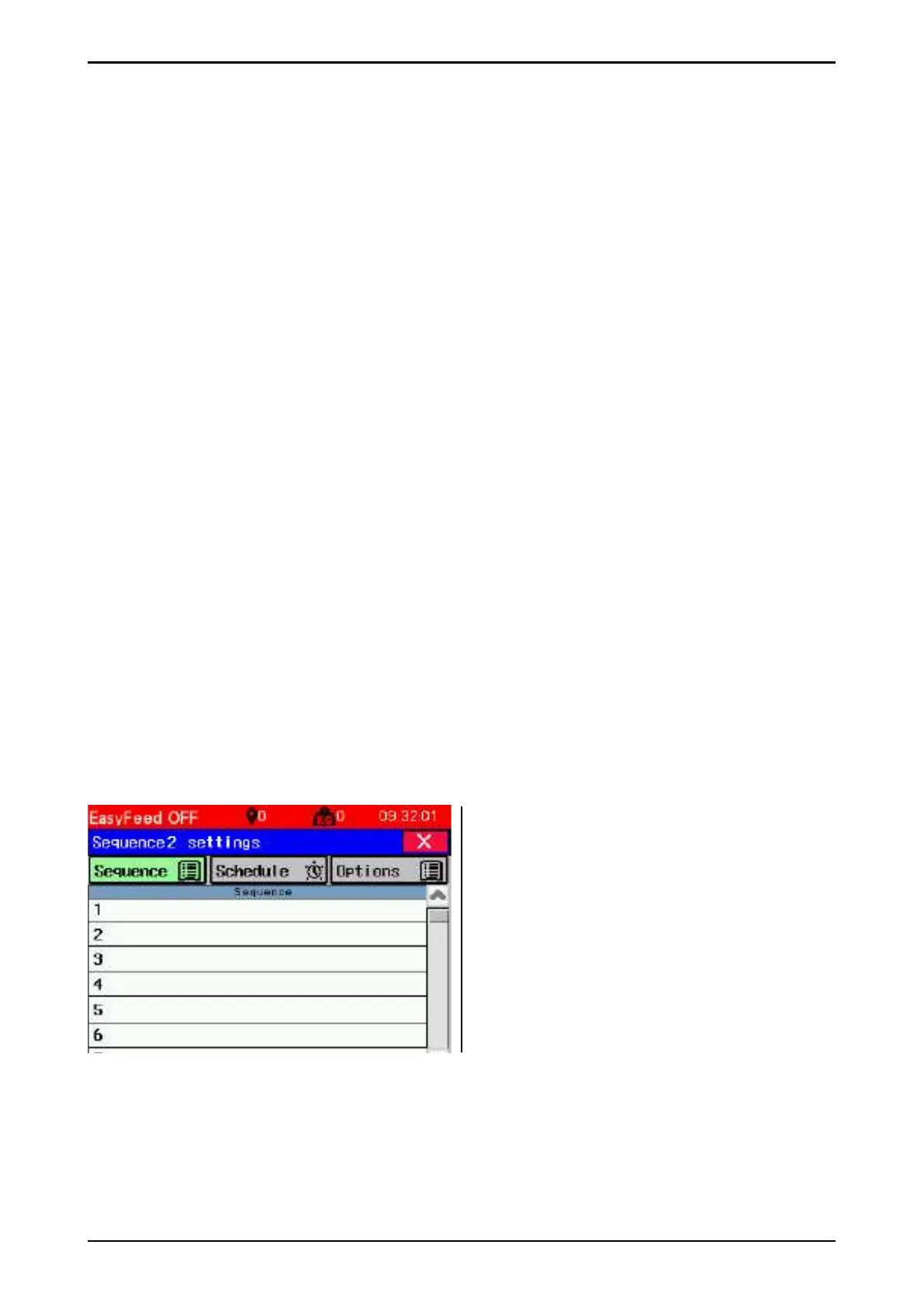
Possible fi lling options in sequence
1– Fill grain 1 (0 has no meaning)
2– Fill grain 2 (0 has no meaning)
3– Fill 50kg from fi lling source 1
4– Fill up the machine to 150kg from fi lling
source 2
5– Fill 35 seconds from fi ll source 3
6– Fill until machine is fi lled from fi lling source 4.
Fig. 44



 To Next Page