Regular Payload Series-Hardware Installation Manual TM5 Series Hardware Version:3.1 Document Version:1.01 54
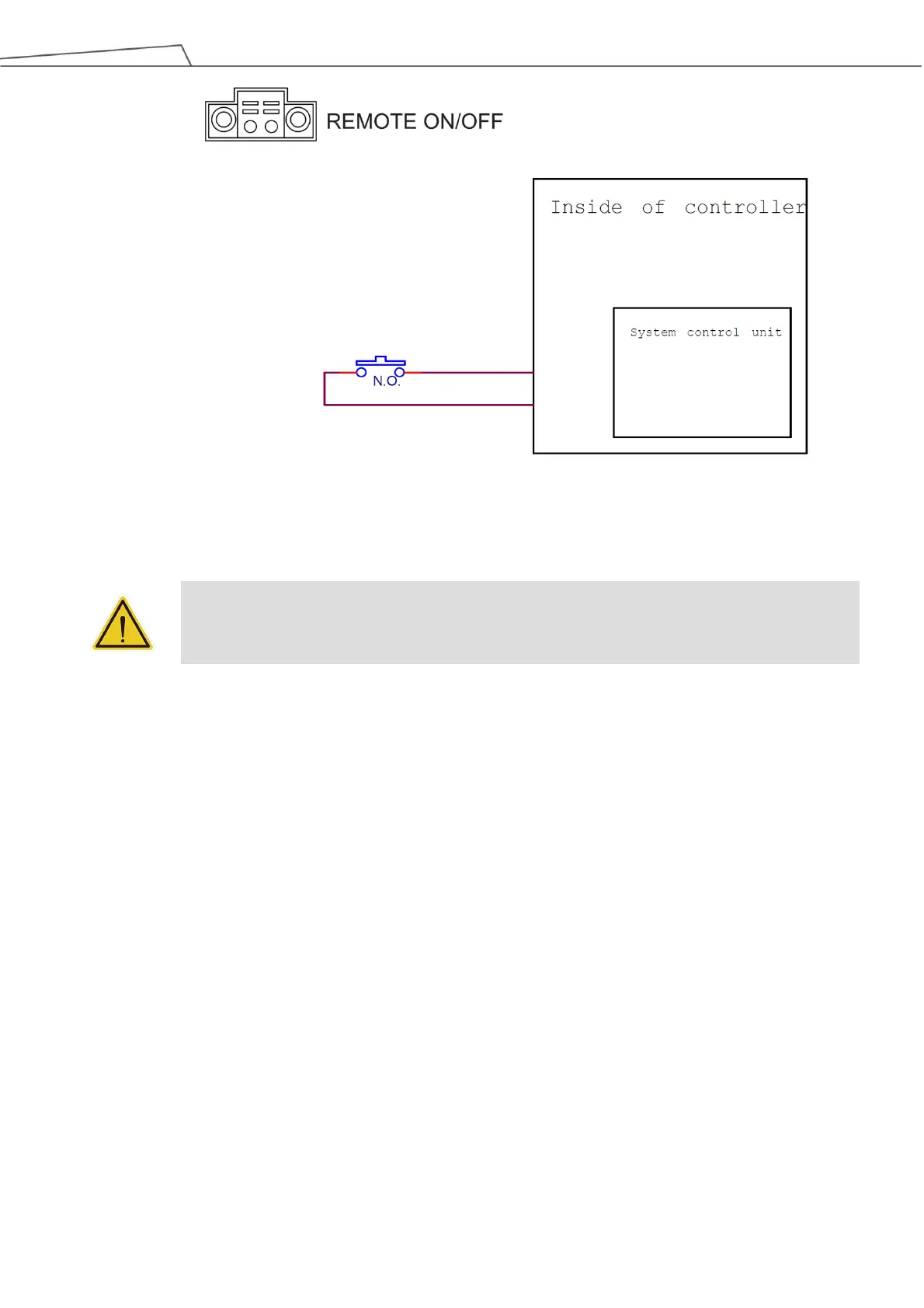
Figure 46: System Remote Power ON/OFF
5.3.7 EtherCAT: For EtherCAT Slave I/O Expansion
WARNING:
The robot must be powered off when installing the EtherCAT Slave. Do not plug or unplug the
connector while the robot is on.
5.3.8 USB Port
The USB port of the control box is used for connecting the keyboard, mouse and external storage devices.
External storage devices should only be used for the import/export functions of TMflow. No other device
than those listed above should be connected. Be noted that the external storage device should be named
“TMROBOT”.
5.4 Tool End I/O Interface
There are two small connectors on the tool end of the robot: The 8-pin connector is for digital I/O The 5-pin connector is
for analog I/O..
5.4.1 I/O Terminals
The tool end 24V has a maximum output current of 1.5A. If overloaded, overload protection is activated
and the robot will turn off the 24V output power.



 To Next Page