EasyManua.ls Logo

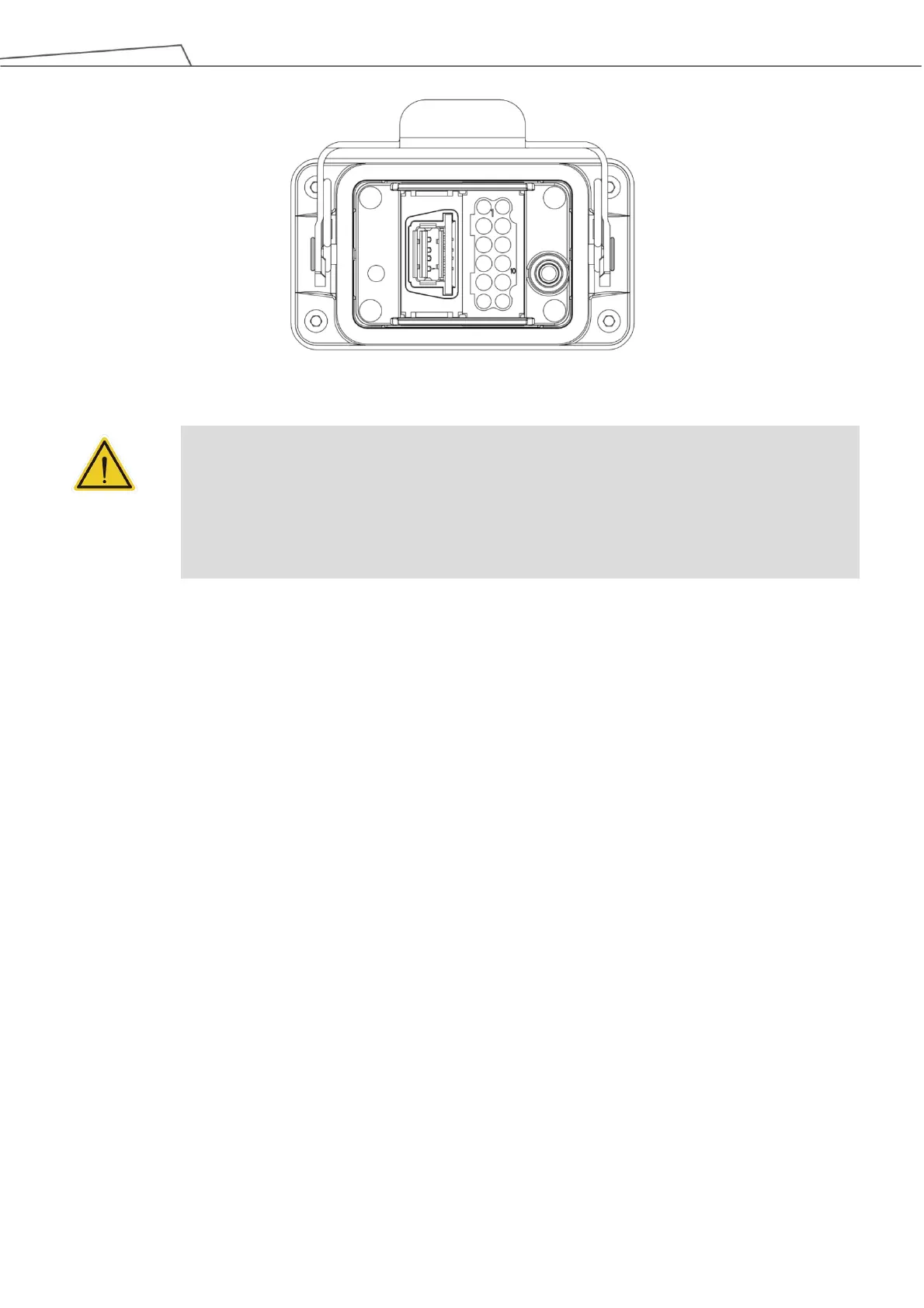
TM Robot Regular Payload Series - Figure 56: Robot Interface

Default Icon
81 pages
Print Icon
To Next Page IconTo Next Page
To Previous Page IconTo Previous Page
Loading...
Regular Payload Series-Hardware Installation Manual TM5 Series Hardware Version:3.1 Document Version:1.01 62
Figure 56: Robot Interface
WARNING:
1. When the robot is turned on, do not disconnect cables of the robot. When cables of the robot
are not connected to the connection interface, do not turn on the robot.
2. Do not extend or modify the original cables of the robot.
3. The cables of the robot are only suitable for a fixed installation. If you require a flexible
installation, contact the Corporation.

Table of Contents

Related product manuals