EasyManua.ls Logo

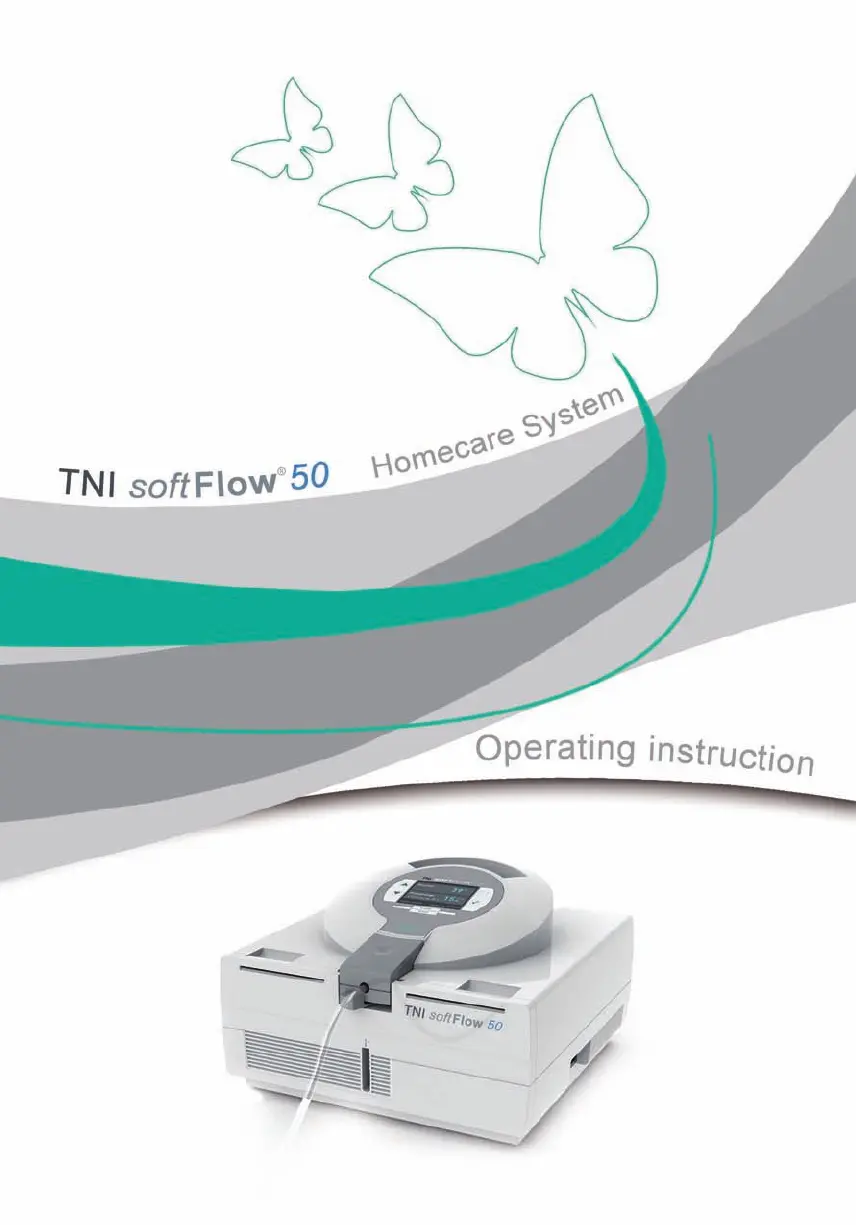
TNI softFlow 50 - User Manual

TNI softFlow 50
56 pages
Print Icon
To Next Page IconTo Next Page
Loading...

Table of Contents

Other manuals for TNI softFlow 50

Questions and Answers

  • T
    Tina WilliamsSep 8, 2025
    What to do if TNI softFlow 50 Medical Equipment displays 'Applicator not supported'?
    • J
      Jennifer FisherSep 8, 2025
      To address an 'Applicator not supported' message on your TNI Medical Equipment, use an applicator according to the accessories table in chapter 1.4.
  • S
    Stacy BowmanSep 7, 2025
    What to do if TNI softFlow 50 displays 'Applicator type'?
    • M
      mwalterSep 7, 2025
      If your TNI Medical Equipment indicates 'Applicator type', reduce the flow rate or use a larger applicator.
  • I
    ibensonAug 22, 2025
    What to do if the oxygen connection is open on TNI Medical Equipment?
    • J
      John BakerAug 22, 2025
      If the oxygen connection is open on your TNI Medical Equipment, close the oxygen inlet port using a protective cap. Alternatively, verify the correct setup of the oxygen source.
  • E
    Eric SpencerSep 4, 2025
    Why is the air flow too hot on my TNI softFlow 50?
    • W
      westsaraSep 4, 2025
      If the air flow is too hot with your TNI Medical Equipment, check the environmental conditions and refer to the product specifications.
  • J
    James MccarthySep 3, 2025
    What to do if TNI softFlow 50 displays 'Applicator not found'?
    • X
      xgriffinSep 3, 2025
      If your TNI Medical Equipment says that the applicator is not found, please replace it with a new applicator.
  • A
    Anthony HicksSep 2, 2025
    What to do if applicator heating is defective in TNI softFlow 50 Medical Equipment?
    • J
      Jennifer AndradeSep 2, 2025
      If the applicator heating is defective on your TNI Medical Equipment, please replace it with a new applicator.
  • R
    ryan12Aug 31, 2025
    What to do if TNI Medical Equipment displays 'SD card or file defective'?
    • E
      Erik ArnoldAug 31, 2025
      If your TNI Medical Equipment says 'SD card or file defective', change the SD card and restart the system. If the error continues, contact your TNI medical AG representative.
  • T
    Travis PhamAug 30, 2025
    What to do if TNI softFlow 50 displays 'Low SD card memory'?
    • K
      Kevin JohnsonAug 30, 2025
      If your TNI Medical Equipment indicates 'Low SD card memory', please insert a new SD card.
  • L
    Lisa ChurchAug 29, 2025
    What to do if TNI softFlow 50 displays 'Change dust filter'?
    • A
      abrownAug 29, 2025
      If you receive a message to change the dust filter on your TNI Medical Equipment, you should change the dust filter.
  • T
    Todd RyanAug 27, 2025
    What to do if the flowrate is too high on TNI Medical Equipment?
    • H
      howardrobertoAug 27, 2025
      If the flowrate is too high on your TNI Medical Equipment, check the air flow.

TNI softFlow 50 Specifications

General IconGeneral
FiO221 - 100 %
Patient PopulationAdult, Pediatric
Operating ModesContinuous
Humidity Range10-95% non-condensing
Power SupplyAC 100-240V, 50/60Hz