56
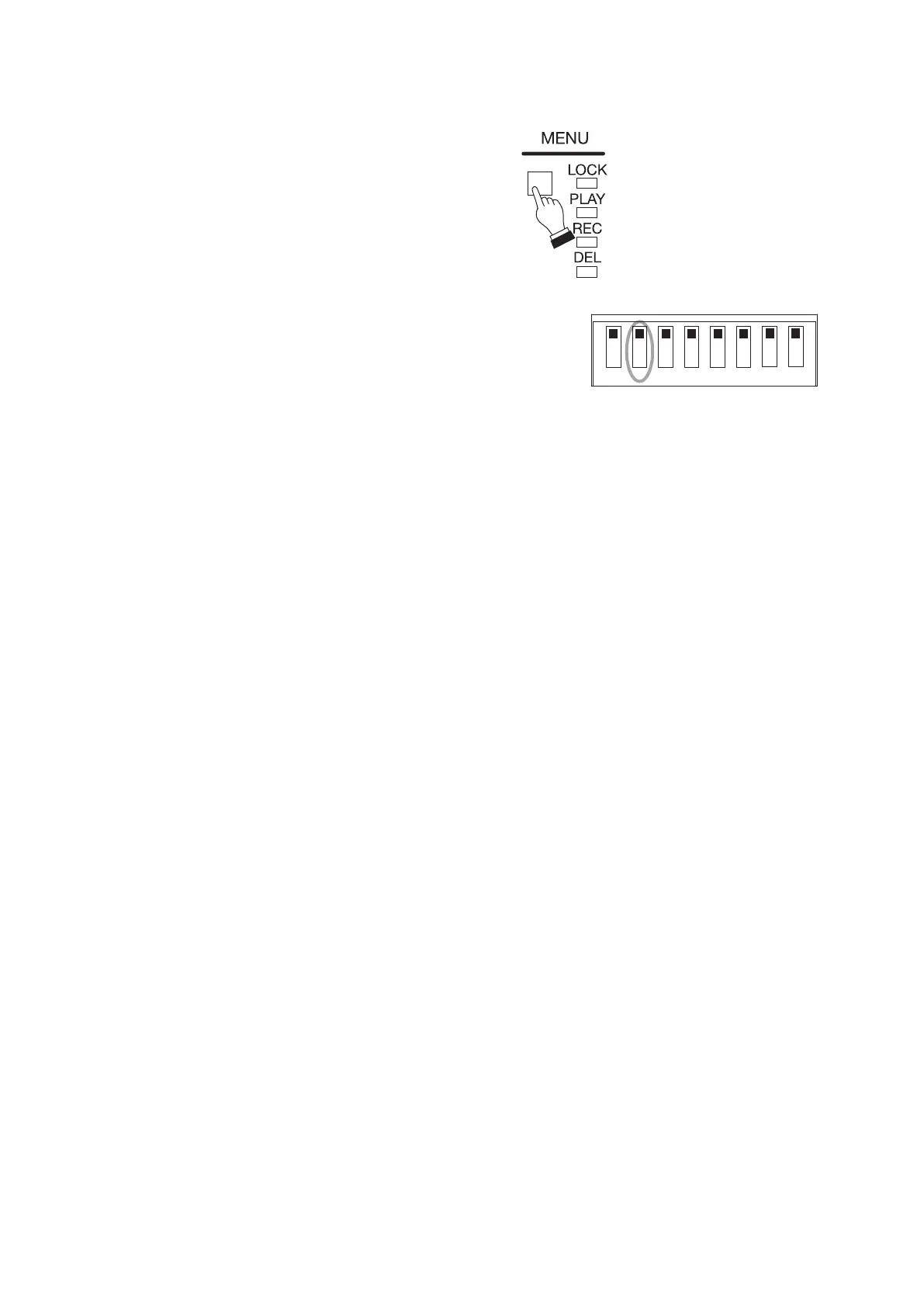
1 2 3 4 5 6 7 8
Tips
• If the playback time exceeds 5 minutes,
the unit is automatically placed in Lock
mode.
• To cancel Lock mode, press the Menu key.
Step 4. When Emergency playback is complete, return Switch 2 to the
OFF position.
Tip
When you nish all operations, it is recommended that you
place the unit in Lock mode to prevent accidental operation.
(See p. 27, "Disabling Each Key Operation on the Front
Panel (Lock Mode).")



 To Next Page