67
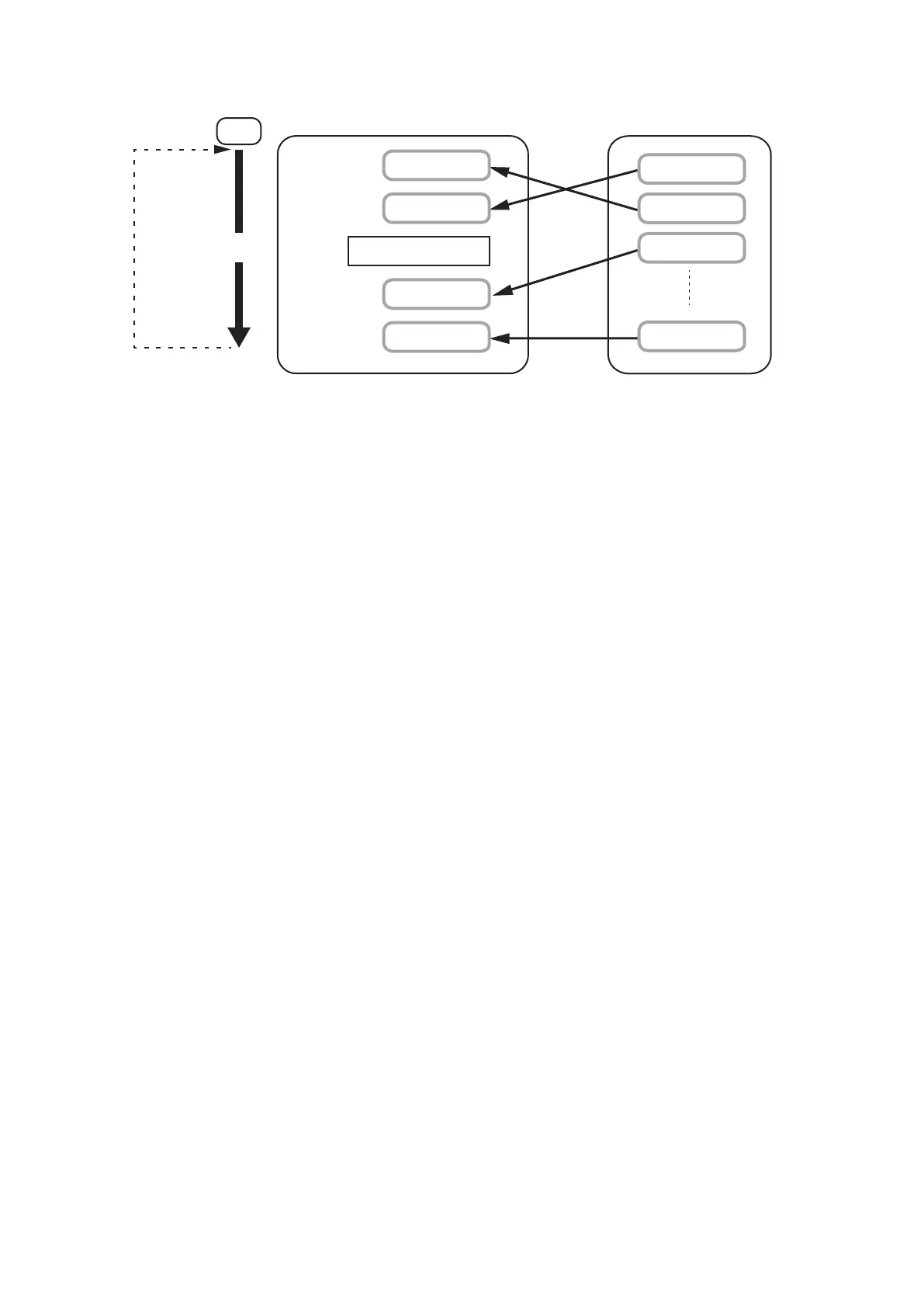
[Operation when playback is repeated]
To Step 1
Start
Note: Plays according to the set repeat count and repeat interval.
Memory card
Playback
Repeat
interval
Phrase 00001
Phrase 00002
Phrase 00003
Phrase 32768
Program
Step 1
Step 2
Step 5
Step 4
Step 3
Phrase 00003
Phrase 32768
Phrase 00002
Phrase 00001
Silence 15 seconds
Tips
• Prerecorded audio les are factory-preset as follows: Repeat count is "0" (No repeat) and repeat interval "0."
• To stop playback partway, perform any of the following operations: Pressing the Start/Stop key (See p. 21.),
Closing the Stop control input terminals (See p. 33.), and Using the EV-700 Setting software. (See the EV-
700 Setting software instruction manual.)



 To Next Page