34
BASIC OPERATIONS
BASIC OPERATIONS
MEASUREMENT
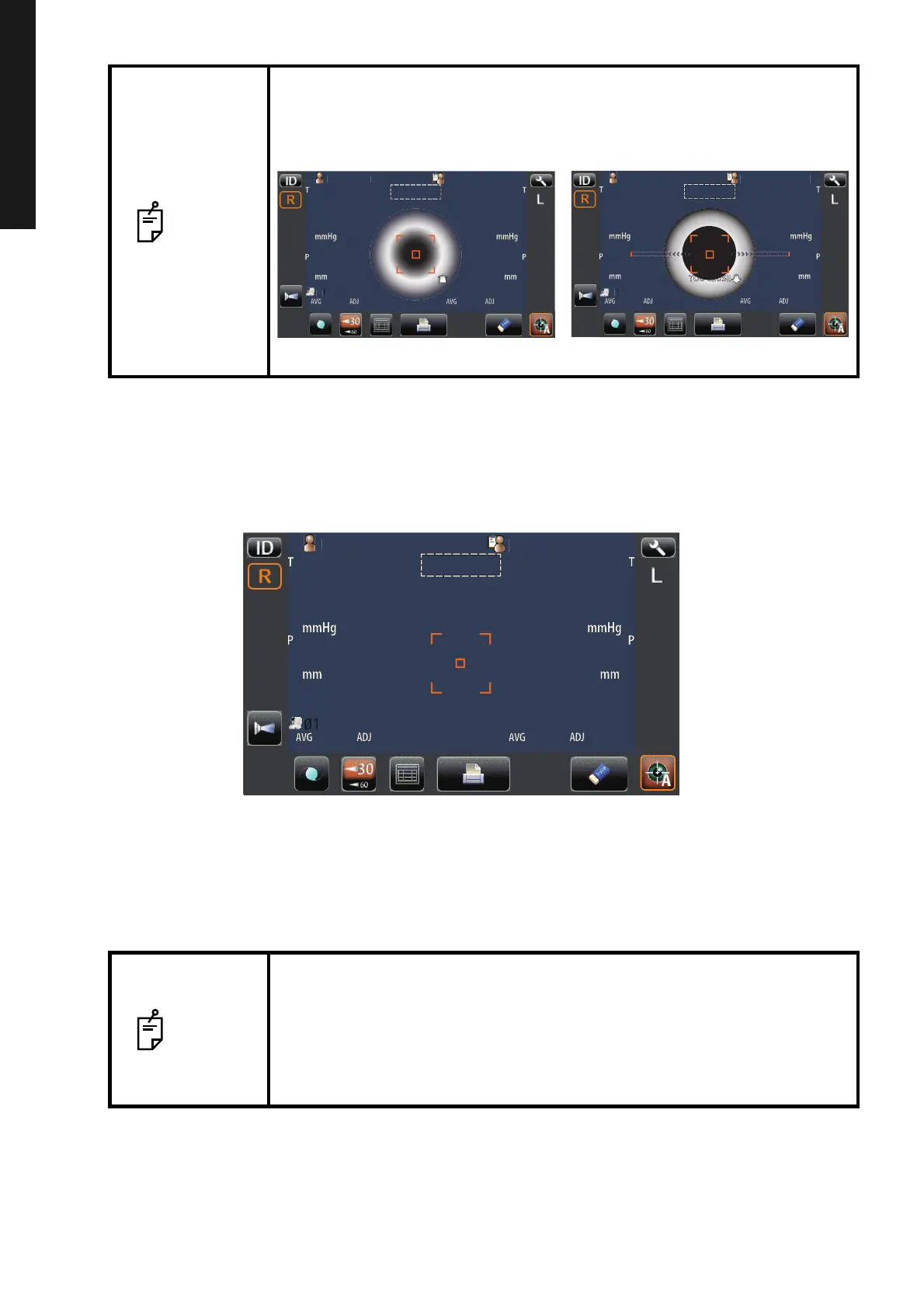
6 Align to make the Z alignment arrows short, and the measurement is carried out when the Z
alignment arrows reach minimum, and then the measurement value is displayed on the con-
trol panel. For displaying measurement values, refer to "DISPLAYING MEASUREMENT VAL-
UES" on page 35.
7 Hold the control lever and pull the main body to the operator side, then switch R or L and
repeat the same procedure from "SETTING THE SAFETY STOPPER" on page 29 to previous
item for the next eye measurement.
8 Tell the patient a measuring is end and leave from the instrument.
NOTE
• When the measuring head approaches patient's eye too much, "TOO
CLOSE" is displayed and when it keeps away from patient's eye too
much, "TOO FAR" is displayed. Using the control lever, move the measur-
ing head to a position where aligning is possible.
NOTE
• If Auto Shoot mode measurement does not work, press the measurement
switch when the alignment dot becomes minimum within the alignment
mark.
Auto Shoot mode measurement may not work depending on the cornea
condition.
• If the machine is moved before measurement values are displayed, it
might cause an incorrect measurement.
P
tientI
PatientID
1
OPCON
AROU
TOPCONTAROU
TOOFAR
Auto Shoot
P
tientI
OPCON
AROU
TOPCONTAROU
TOOCLOSE
Auto Shoot
Limit of movement in the backward direction Limit of movement in the forward direction
P
tientI
PatientID
3
3
3
3
15
15
15
15
15
15
15
15
TOPCON
ARO
TOPCONTAROU
14
[15]
16
14
[15]
16
15
17
14
15
17
14
0.499
0.499
0.500
0.500
1
1
1
1
Auto Shoot



 To Next Page