29
BASIC OPERATIONS
2 Alignment starts automatically, and measurement is performed. The measurement result
is displayed.
3 When Right/Left eye continuous measurement is selected, the instrument measuring
head moves automatically from the right to the left eye.
DISPLAYING MEASUREMENT VALUES
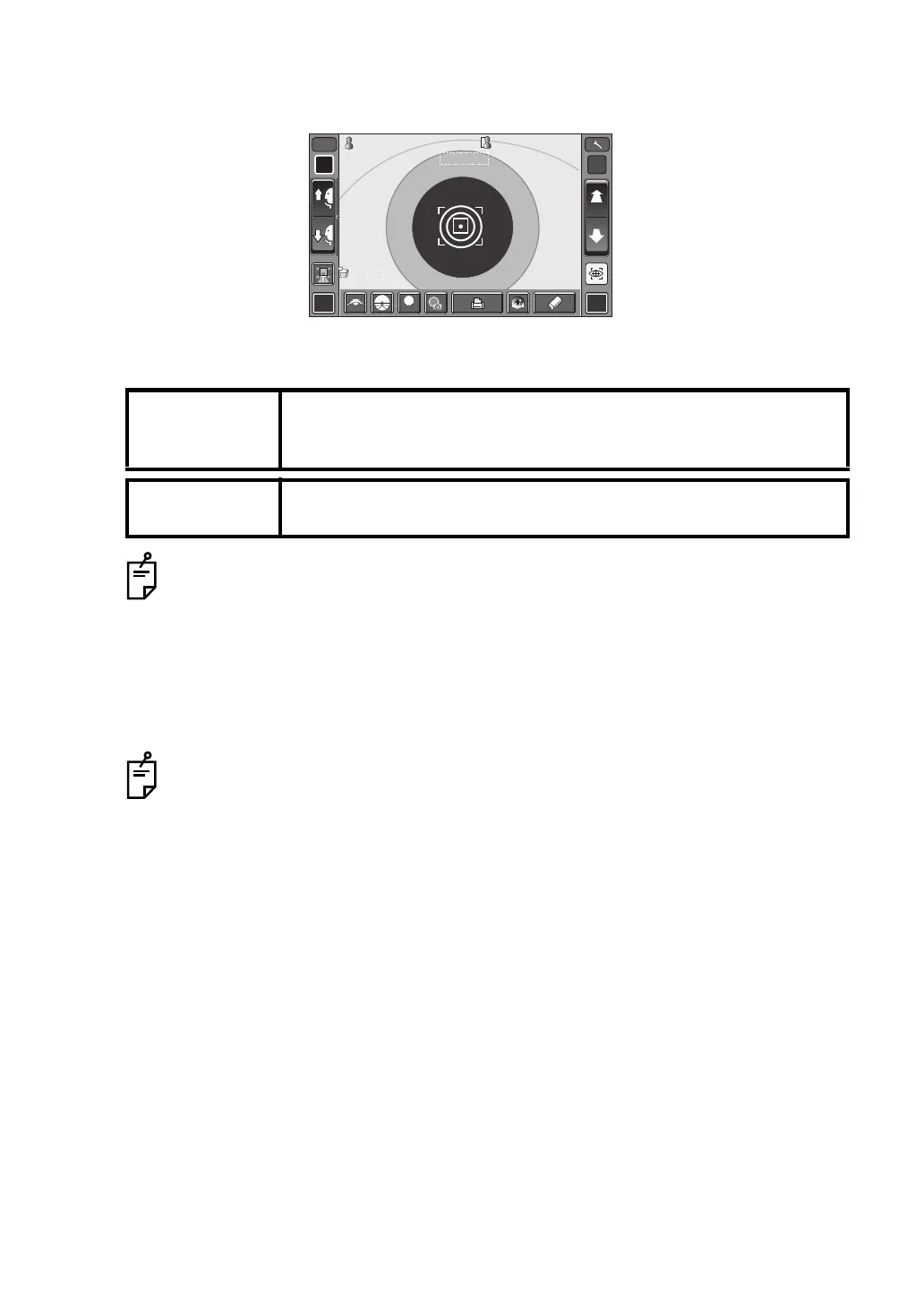
Data of the latest measurement are displayed on the control panel screen.
Figures only: Measurement was done correctly.
ERROR: Measurement was not done correctly.
When auto print setting is "OFF" in the initial setting, print out measurement results by tapping
the Print button, as necessary.
NOTE:
If auto mode measurement does not work, select manual mode.
Auto mode measurement may not work depending on the cornea
condition.
NOTE:
If the machine is moved before measurement values are displayed, it
might cause an incorrect measurement.
Auto print (available only under Auto mode)
When auto print setting is "ON" in the initial setting, the buzzer sounds twice after
measuring the right and left eyes, and measurement results are printed out auto-
matically.
For explanation of the messages on the control panel screen, refer to “MESSAGE
LIST” on page 54.
R L
R/K
ID
A
13.7513.75
-1.-1 . 2525
-0.-0 . 5050
7.807 . 80
7.757 . 75
180180
180180
0101
VDVD
PR2PR2
00001000010000000100001000 00001000010000000100001000
mmmm
R
S
C
A
K
R1
R1
R2R2
A1A1
PR1PR1
3/33/3 AUTOAUTO
7.807.80
0/30/3
3/33/3 0/30/3
R
S
C
A
K
R1
R1
R2R2
A1A1
PR1PR1
PR2PR2
PA1PA1 PA1PA1
LOWLOW
FOGFOG














 To Next Page