41
OPTIONAL OPERATIONS
9 Tap the button and move to the other eye.
In like manner, measure the other eye.
10 Tap the button and measure the other eye.
MEASUREMENT ON THE STILL IMAGE
When KRT measurement values are available, the still image of the measurement is dis-
played.
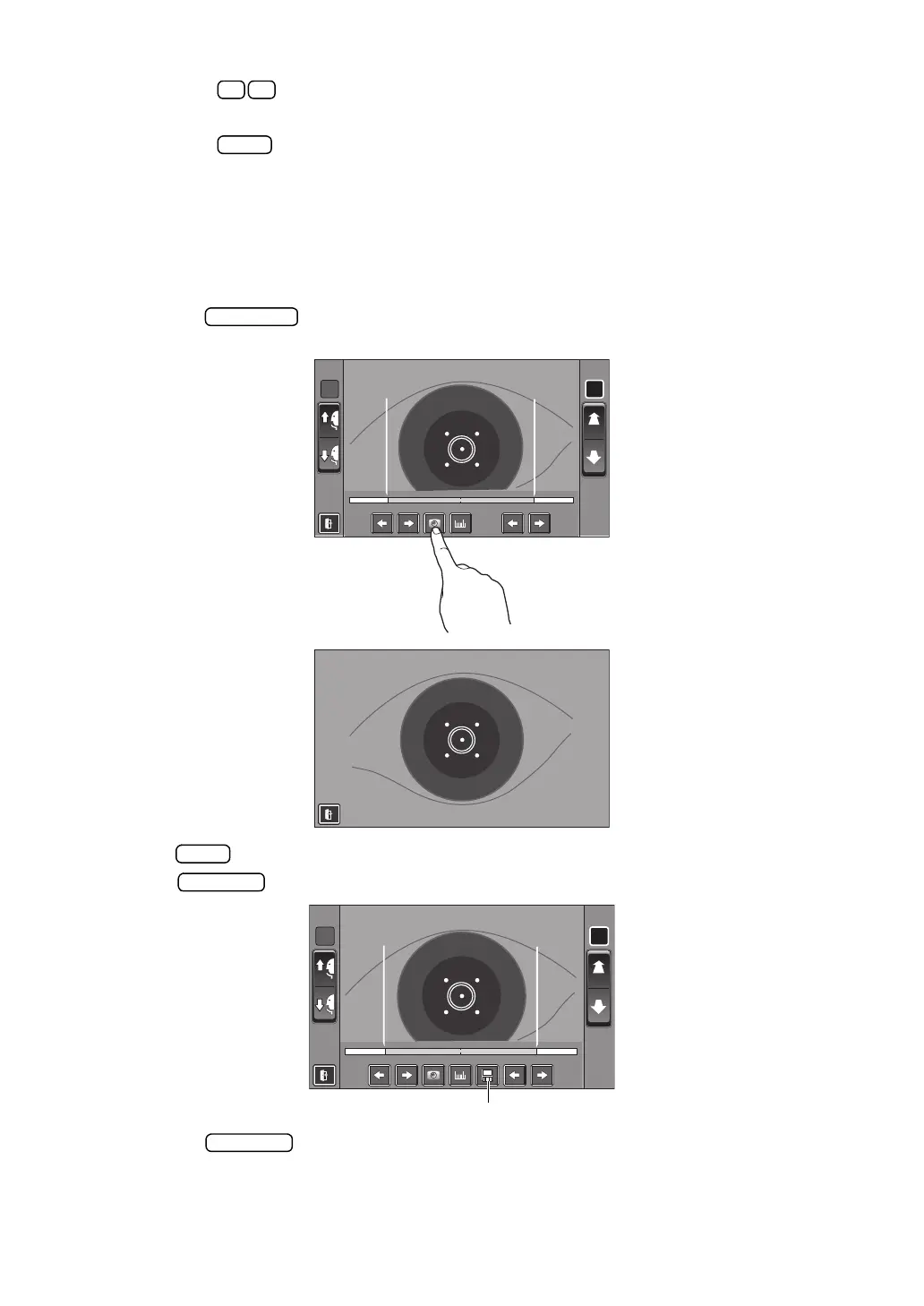
1 Follow steps 1 to 5 of "MEASUREMENT ON THE ACTUAL IMAGE" and display the cor-
nea image at the screen center.
2 Tap the button. The eye image is displayed full-screen, and the cornea image
is saved.
3 Tap button to exit the full-screen display.
The button appears indicating that the image is saved.
4 Tap the button to display the saved image.
R L
R:0.00R :0 .0 0 L:0.00L: 0 . 00
R L
R:0.00
L:0.00














 To Next Page