33
BASIC OPERATIONS
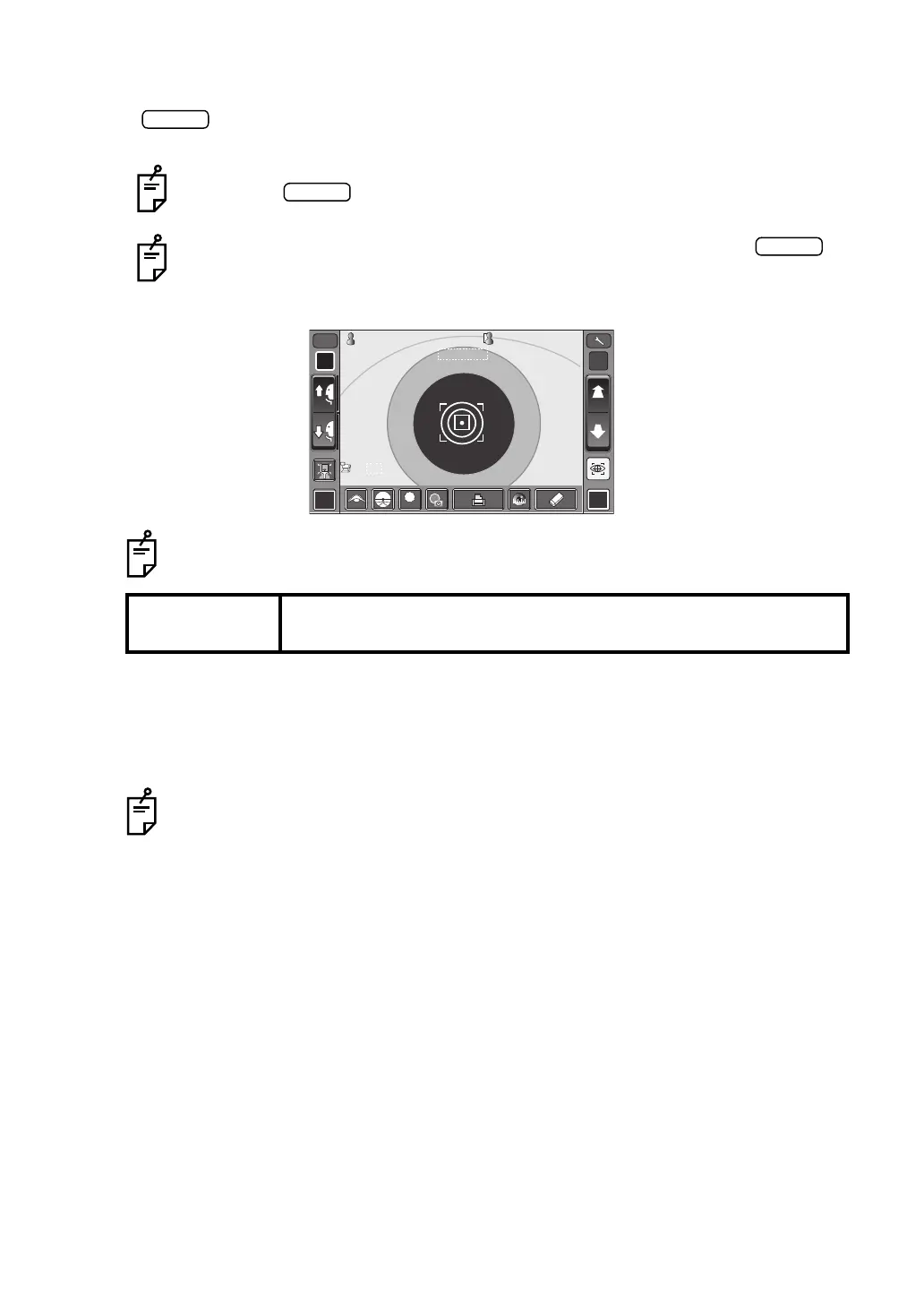
5 When the alignment dot becomes smaller in size and "Alignment OK" is displayed, tap the
button.
6 Measurement is performed and measurement values are displayed on the control panel.
DISPLAYING MEASUREMENT VALUES
Data of the latest measurement are displayed on the control panel screen.
Figures only: Measurement was done correctly.
ERROR: Measurement was not done correctly.
Even if fine alignment has not been achieved, measurement can be performed by
tapping the button. To ensure correct measurement, try to get fine align-
ment.
Measurements can be performed off center if necessary by tapping the
button after placing the measuring head in the desired off center position.
After finishing the measurement, auto alignment is performed if the patient's eye
position is moved right/left and up/down.
NOTE:
If the machine is moved before measurement values are displayed, it
may cause incorrect measurement result.
For explanation of messages on the control panel screen, refer to “MESSAGE
LIST” on page 54.
R L
R/K
ID
M
LOWLOW
FOGFOG
13.7513.75
010 1
VDVD
-1.-1 . 2525
-0.-0 . 5050
7.807 . 8 0
7.757 . 7 5
18018 0
18018 0
PR2PR2
00001000010000000100001000 00001000010000000100001000
mmmm
R
S
C
A
K
R1
R1
R2R2
A1A1
PR1PR1
3/33/3 MANUALMANUAL
7.807.80
0/30/3
3/33/3 0/30/3
R
S
C
A
K
R1
R1
R2R2
A1A1
PR1PR1
PR2PR2
PA1PA1 PA1PA1














 To Next Page