46
SETTING FUNCTIONS ON SETUP SCREEN
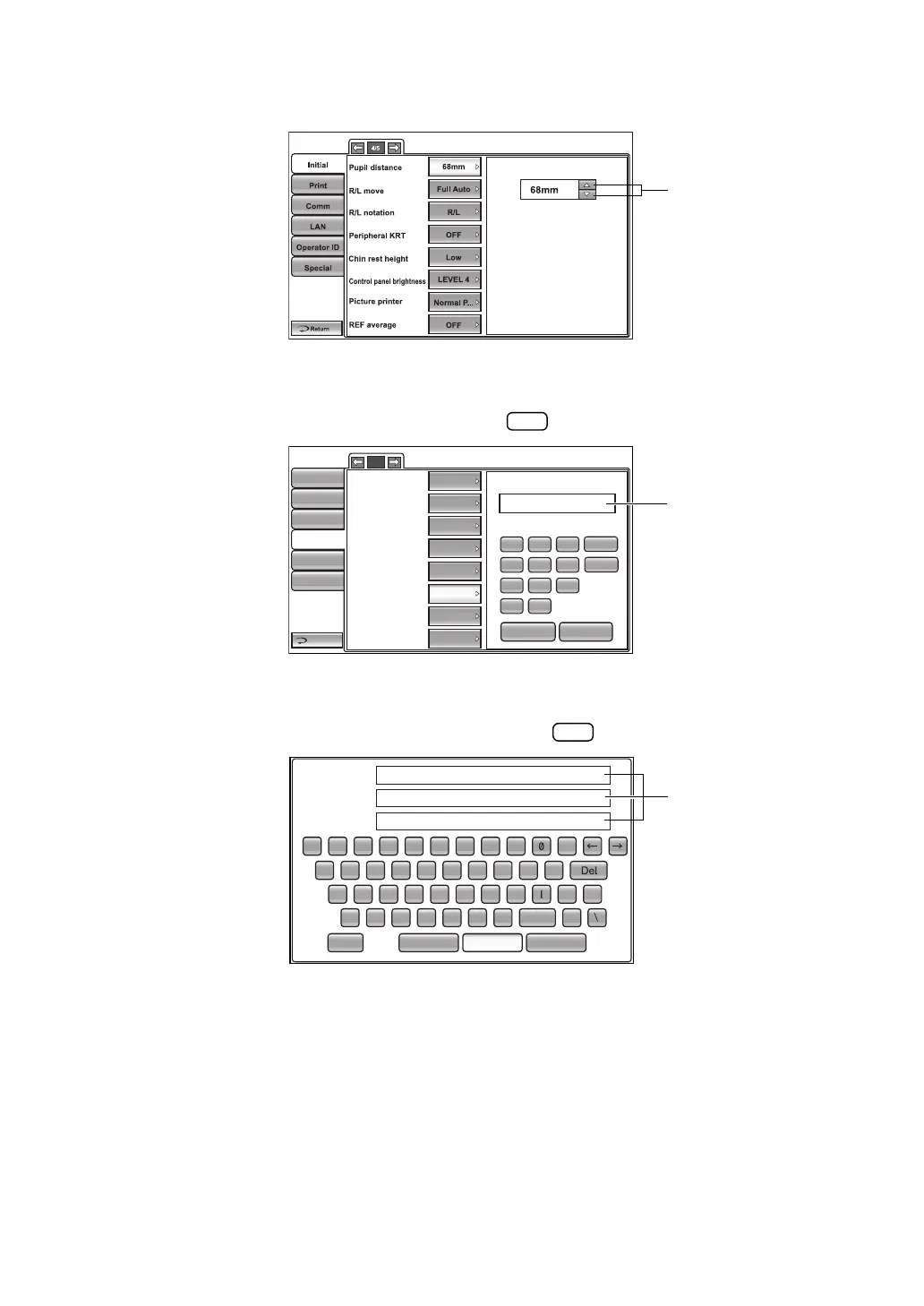
UP/DOWN BUTTON:
Tap up/down buttons on the screen and change setting.
TEN-KEY:
Tap ten-key on the screen and enter the figure. If there are several windows to enter, tap
the window to enter the figure by ten-key. Tap and fix the input value.
KEYBOARD:
Tap keyboard on the screen and enter characters. If there are several windows to enter,
tap the window to enter the figure by keyboard. Tap and fix the input value.
1/2
Initial
LAN connection
XML file output
REF/KRT data format
Shared folder setting
IP address setting
IP address
Subnet mask
Default gateway
Print
Comm
LAN
Operator ID
Special
BS
192.168.10.7
7
4
1
0
8
5
2
.
9
6
3
AC
OK
CANCEL
Return
OFF
OFF
OFF
FIX
0.0.0.0
0.0.0.0
0.0.0.0
Input
Public Folder (32)
User (32)
Password (16)
1 2 3 4 5 6 7 8 9
BS
q w e r t y u i
z x c v b n m .
space
CancelOKResetCaps
o p
a s d f
g
h j k
-
_
-














 To Next Page