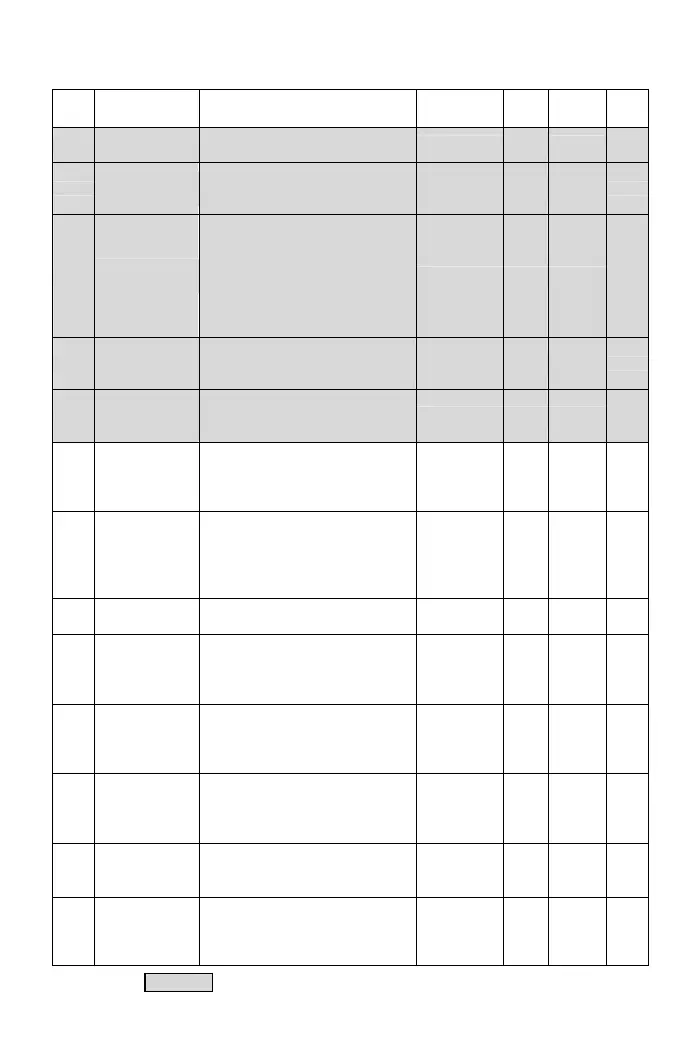
Func. Name Descriptions
Range of
Setting
Unit
Factory
Setting
Note
F4.14
Drive Overheat
Pre-alarm Level
Set the temperature level of
warning alarm.
45~105
1℃
70
*Note 9
F4.15
Drive Overheat
Dead Band
Set the temperature dead band of
temperature warning and fan
active level.
0.1~10.0
0.1℃
3.0
*Note 9
F4.17
Fan Control
Selection
0: Forced air:
Start the fan at power on.
1: Operation air:
Start the fan at operation.
2: Temperature control:
Fan activation according to
temperature level
0~2 ─ 1
*Note 9
F4.18
Temperature
Level of Fan
Activation
Set the temperature level of fan
activation.
25~60
1℃
50
*Note 9
F4.19
Minimum
Operation Time
of Fan
Set the minimum operation time of
fans when the fan control is
stopped.
0.1~25.0 0.1min 0.5
*Note 9
F4.21
PTC Overheat
Warning Level
(Motor Overheat
Protection)
Set the temperature warning
level(OH1) of PTC
0.0~10.0 0.1Vdc 1.2
*Note 9
F4.22
PTC
Overheat
Warning
Disposal
0: Warning (OH1): Continue
operation
(relay terminal outputs)
1: Warning (OH1): Stop operation
(relay terminal outputs)
0, 1 ─ 0
*Note 9
F4.23
PTC Overheat
Trip Level
Set the overheat trip level of PTC 0.0~10.0 0.1V 2.4
*Note 9
F4.25
System
Overload
Detection
(OLO)
0: Disable
1: Enable(OLO)
0, 1 ─ 0
*Note 9
F4.26
System
Overload
Detection
Status
0: Detection during the constant
speed only
1: Detection during the running
only
0, 1 ─ 0
*Note 9
F4.27
Output Setting
of System
Overload
0: Drive is still running when the
overload is detected
1: Drive is tripped when the
overload is detected
0, 1 ─ 0
*Note 9
F4.28
System
Overload
Detection Level
Set the level of the current for
overload detection
30%~200%
of drive
rated current
1% 160
*Note 9
F4.29
System
Overload
Detection Time
The output current is larger than
the setting F4.28 and exceeds the
time interval of the overload
detection
0.1~300.0 0.1sec 0.1
*Note 9
The color as means functions can be set during the operation.
31



 To Next Page