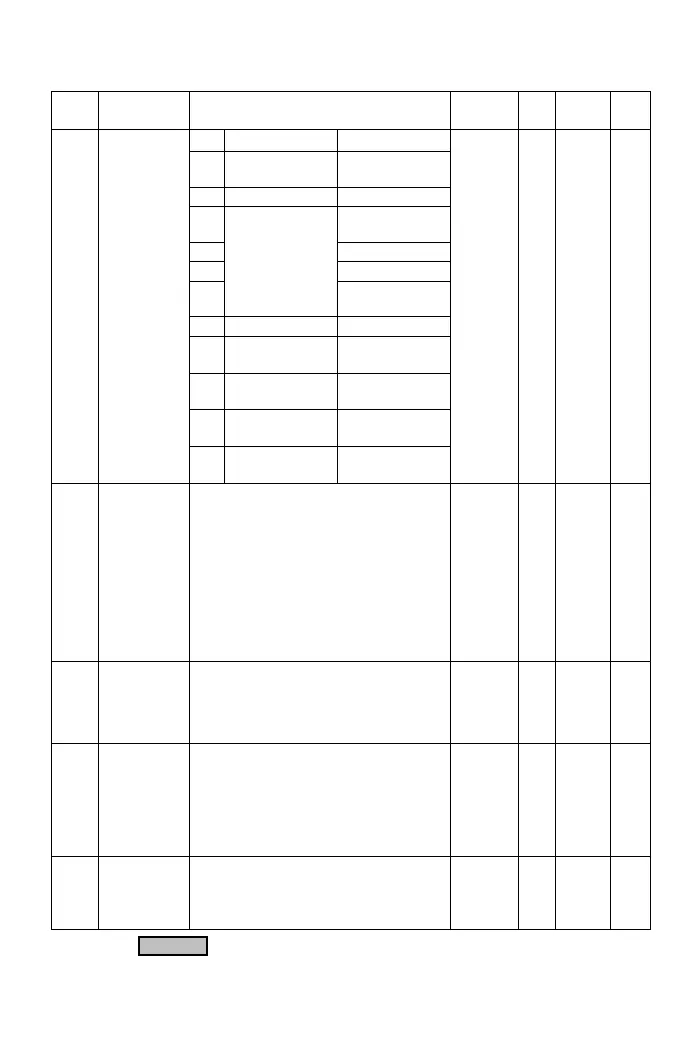
F1 Operation Parameters
Func. Name Descriptions
Range of
Setting
Unit
Factory
Setting
Note
Start command Rotation direction
0
FWD or REV
command
FWD or REV
command
1
FWD command REV command
2
FWD, REV
command
3
Forward
4
Reverse
5
Operation panel
Reverse
command
6~7
Reserved Reserved
8
Communication
control
Communication
control
9
Communication
control
Reverse
command
10
Forward
command
Communication
control
F1.00
Start
Command
Selection
11 Operation panel
Communication
control
0~11 ─ 3
F1.01
Primary
Frequency
Command
Selection
0: Frequency command by analog
input selection (F1.03).
1: Frequency command by operation
panel.
2: Reserved
3: Machine speed setting by operation
panel.
4: Frequency command by multi-function
input terminal as UP/DOWN command.
5: Frequency command by
communication terminal.
0~5 ─ 1
F1.02
Secondary
Frequency
Command
Selection
0: Frequency command by analog
input selection(F1.03).
1: Frequency command by operation panel.
2: Frequency command by multi-function
input terminal as UP/DOWN command.
0~2 ─ 0
*Note
9
F1.03
Analog
Input
Selection
0: Pot knob+ AI
1: Pot knob – AI
2: AI – Pot knob
3: Pot knob or AI(switch by multi-function
input terminal)
4: Pot knob
5: AI
0~5 ─ 0
F1.04
“Pot knob”
Command
Source
Selection
0: From drive’s operation panel.
1: Reserved
0, 1 ─ 0
*Note
9
The color as means functions can be set during the operation.
21



 To Next Page