►
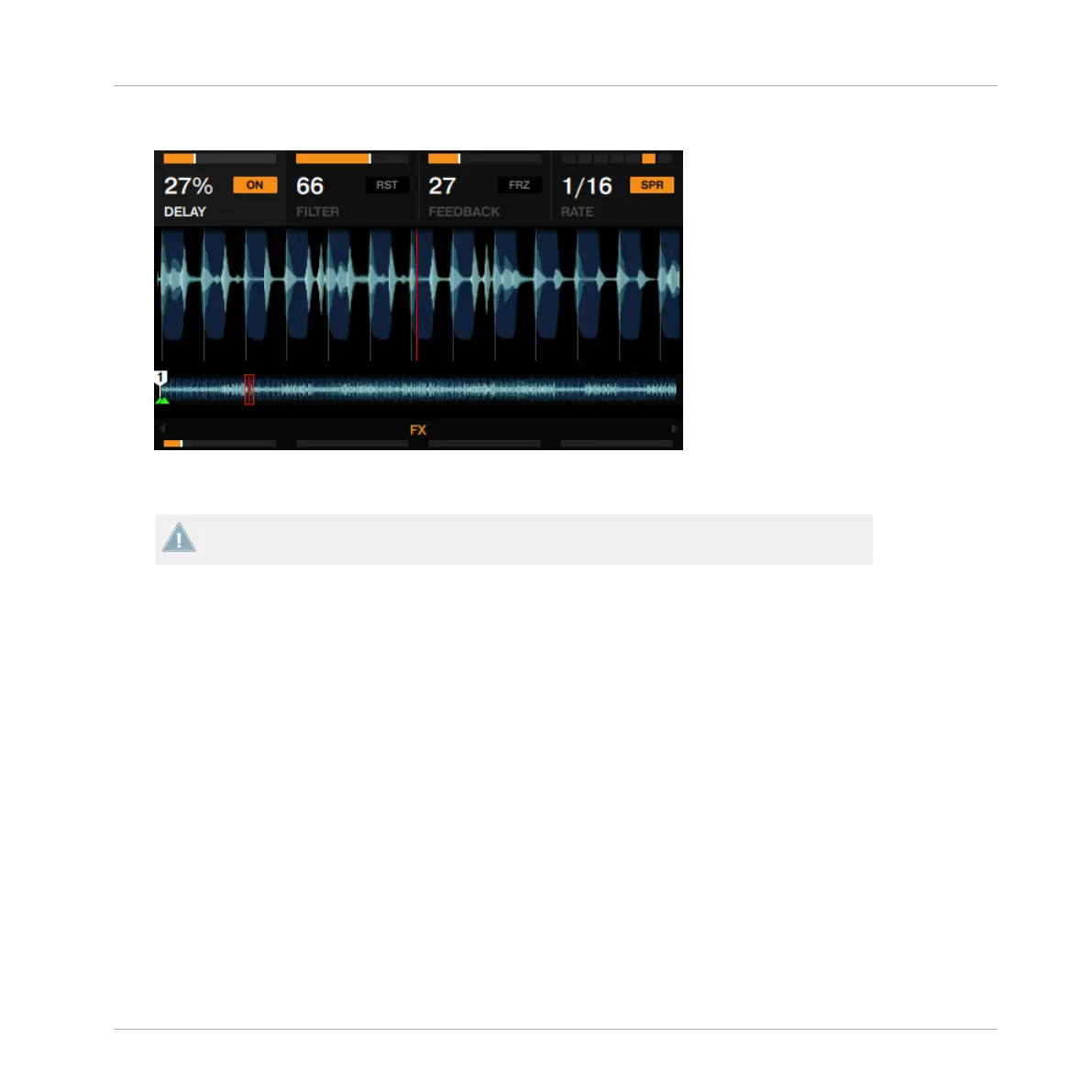
Press FX button 4 to activate spread (SPR) for a wider Delay sound.
►
Press FX button 2 to reset the FX parameters to their default values.
This resets the FX parameters in the software independently from the FX knobs position on
the hardware.
3.8.5 Storing a Snapshot
You can save a default state for any of the effects by doing the following:
1. Adjust the FX knobs and buttons to your liking.
2. Press the FX button 1 to display the FX Unit's options.
Using Your D2—Getting Advanced
Adding FX
TRAKTOR KONTROL D2 - Manual - 101



 To Next Page