►
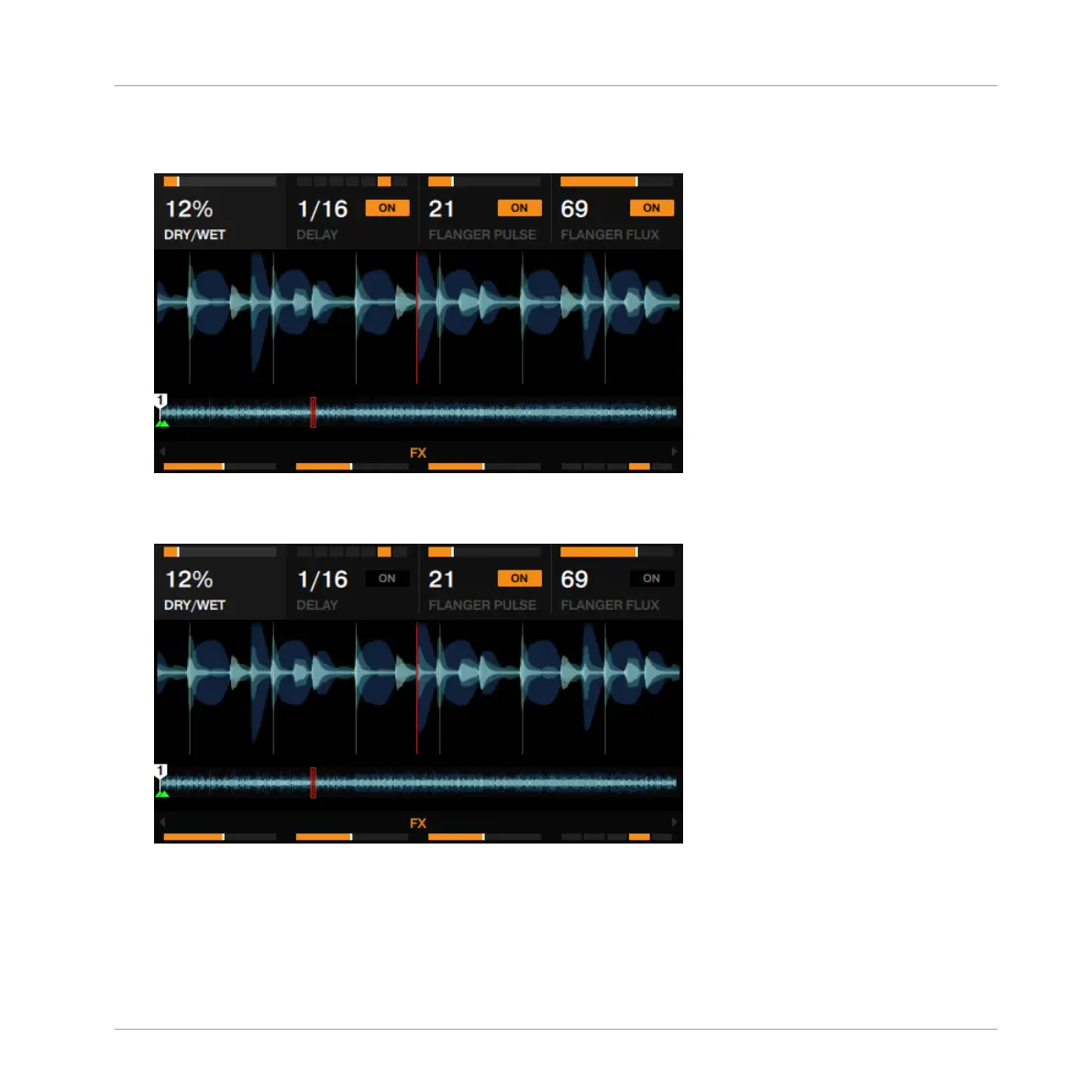
Experiment with the FX Knobs 1 to 4 and listen to the resulting changes. The parameter
adjustments are also visible in the FX panel.
►
You can activate/deactivate each effect slot individually by pressing the corresponding FX
buttons 2 to 4 below.
3.8.3 Exchanging effects in the Group FX
To exchange any of the effects slots in a Group FX setup:
Using Your D2—Getting Advanced
Adding FX
TRAKTOR KONTROL D2 - Manual - 94



 To Next Page