2.1.1.1 Scrolling through Music Folders
To scroll through music folders:
►
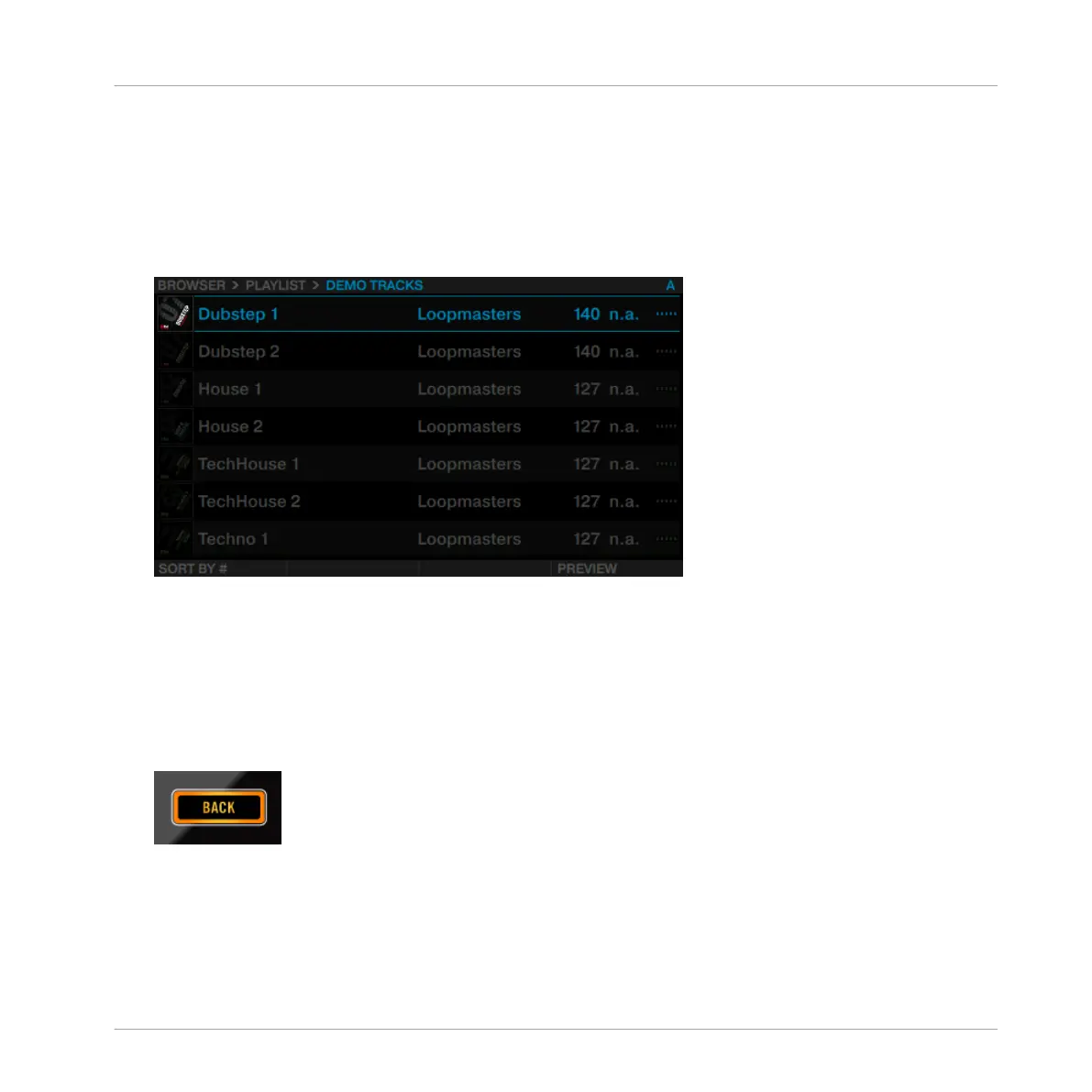
Rotate the BROWSE encoder. The selected entry will be highlighted in blue. The Browser
View shows your current location in the folder structure at the top of the display, e.g.
BROWSER>PLAYLIST>DEMO TRACKS.
To open folders and load tracks:
►
Press the BROWSE encoder to open a folder.
►
Press the BROWSE encoder to load a track.
To return to the previous folder:
►
Press the BACK button.
To exit the Browser:
Using Your D2—Getting Started
Using the Browser
TRAKTOR KONTROL D2 - Manual - 17



 To Next Page